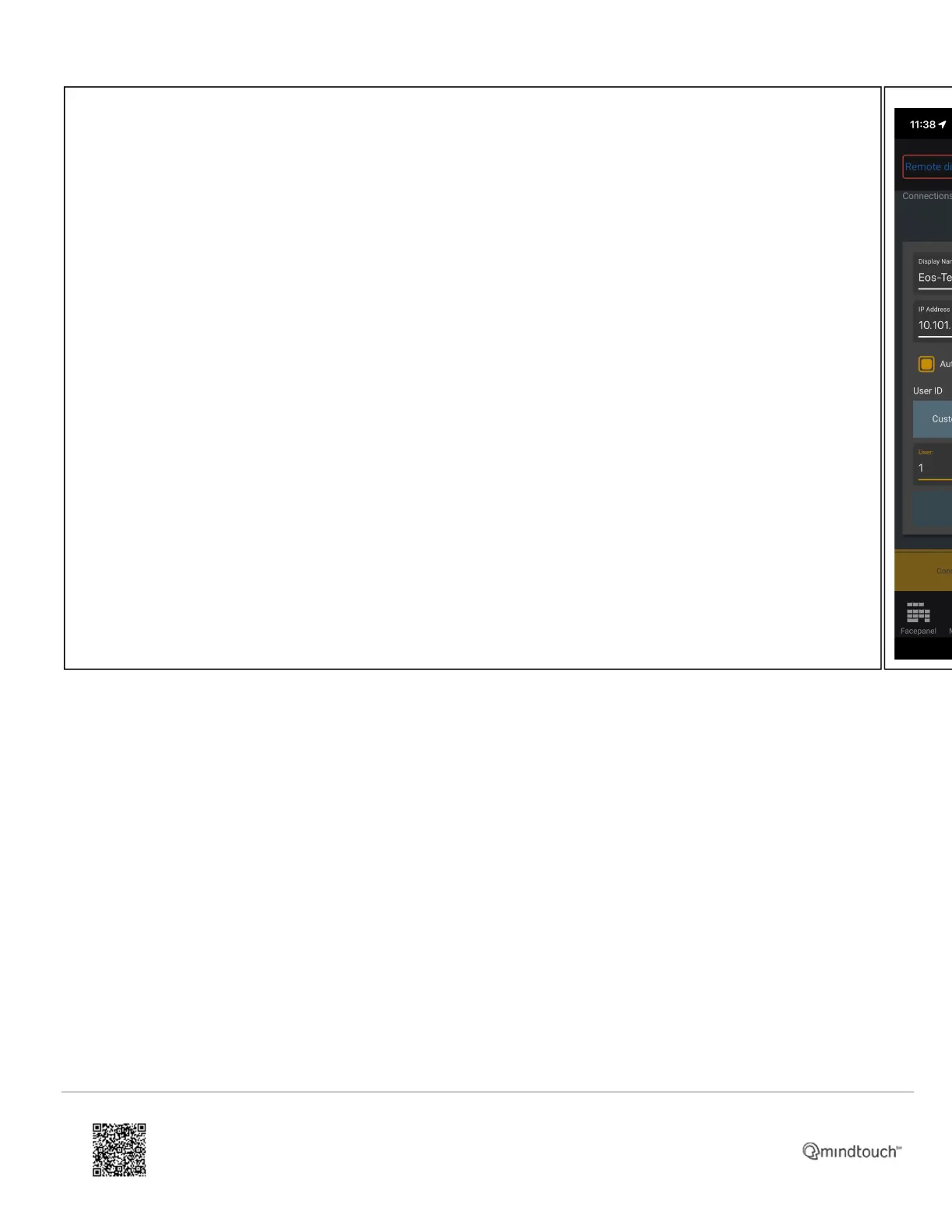
• Under {Display Name} put in the a name that you would like for this device.
• Under {IP Address} put in the IP of the console port we are connecting to.
• Under {User ID} select a user number.
◦ Custom allows the app to function under a specific user number
◦ Auto will function under user 0
◦ Console will follow the user number of the console, meaning the console and the app share the same
command line.
• Hit {Update}
https://support.etcconnect.com/ETC/Consoles/Console_Apps/How_to_Set_Up_Your_Wireless_Network_for_iRFR_or_aRFR_…
Updated: Tue, 03 Oct 2023 07:16:35 GMT
Powered by
11



 To Next Page