ETC Setup and Connect Guide
Paradigm
®
Touchscreen Interface
Paradigm Touchscreen Interface Setup and Connect Guide Page 4 of 12 Electronic Theatre Controls, Inc.
[Launch Virtual Touchscreen]
To launch the Paradigm Virtual Touchscreen “P-VTS” software, touch the [Launch Virtual
Touchscreen] button located on the “General” tab.
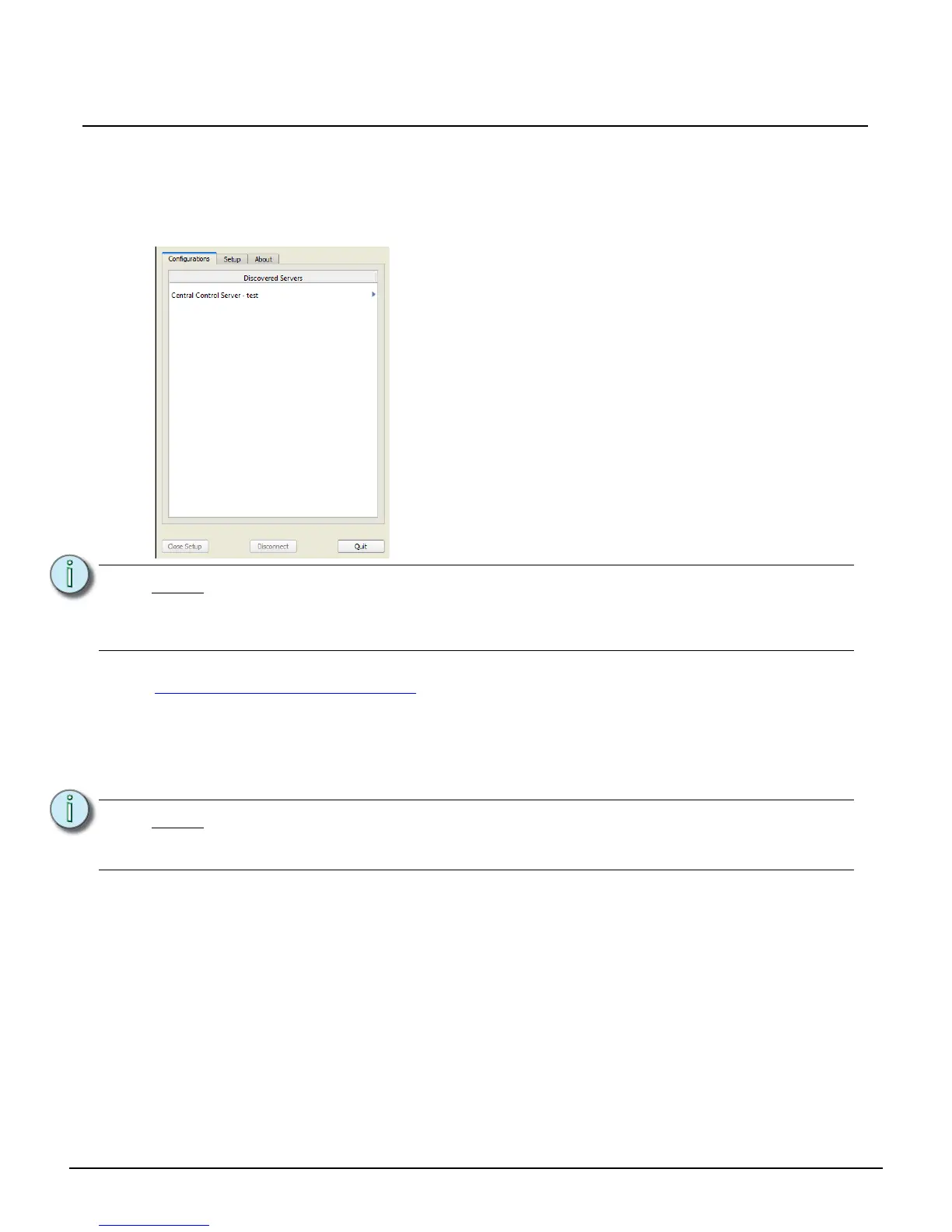
The P-VTS application launches to the “Discovered Servers” list. Select the Central Control Server to
continue with Virtual Touchscreen configuration selection.
The Paradigm Virtual Touchscreen Setup Guide is available for download on the ETC website at
www.etcconnect.com/downloads.aspx
.
P-VTS Install Management
This section of the “General” tab provides the ability to [Uninstall] the Paradigm Virtual Touchscreen
(P-VTS) software, or install a newer version from either removable media or the connected Paradigm
Central Control Server (P-CCS).
Note:
Touchscreen configurations are created in ControlDesigner and associated to a
Virtual Touchscreen (VTS) instance in LightDesigner. Reference the online help
systems for LightDesigner and ControlDesigner for details to create and associate
Touchscreen configurations.
Note:
If a current version of the P-VTS software is installed, the [Install from Removable
Media] and [Install from Online P-CCS] buttons are disabled. You must first
[Uninstall] the software before installing a new version.



 To Next Page