ETC Setup and Connect Guide
Paradigm
®
Touchscreen Interface
Paradigm Touchscreen Interface Setup and Connect Guide Page 8 of 12 Electronic Theatre Controls, Inc.
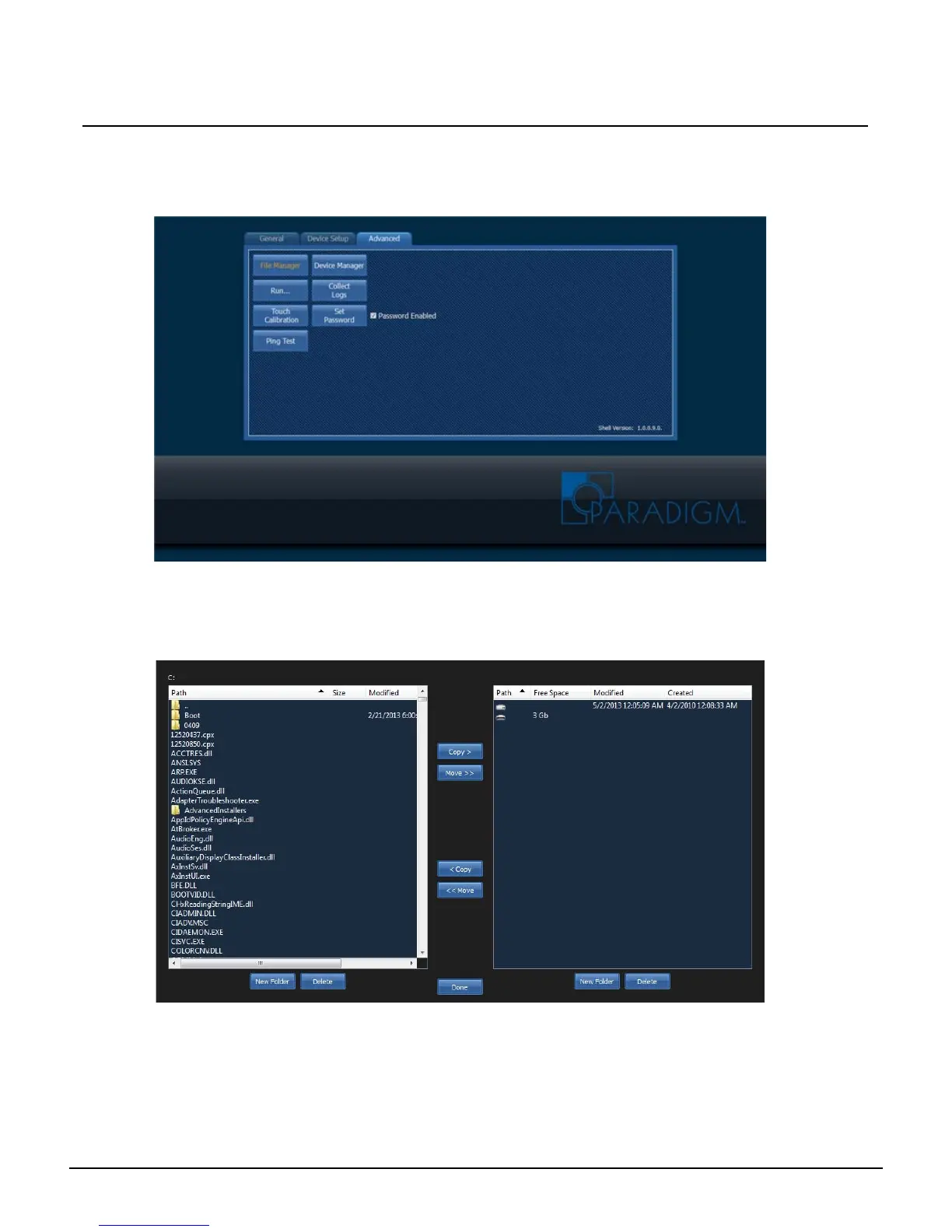
Advanced Tab
The “Advanced” tab is password protected by default. The settings and features on this tab are
reserved for technicians and administrators. The password is set, by factory default to 4116. Change
this password or remove the requirement for a password using the “[Set Password]” feature.
[File Manager]
Touch the [File Manager] button to display an interface for basic management of files including copy,
move, delete and creation of new folders between the Touchscreen internal hard drive and any
connected or removable media.



 To Next Page