Manual EKS Electronic-Key Adapter USB
094485-04-11/13 Subject to technical modifications Page 31/44
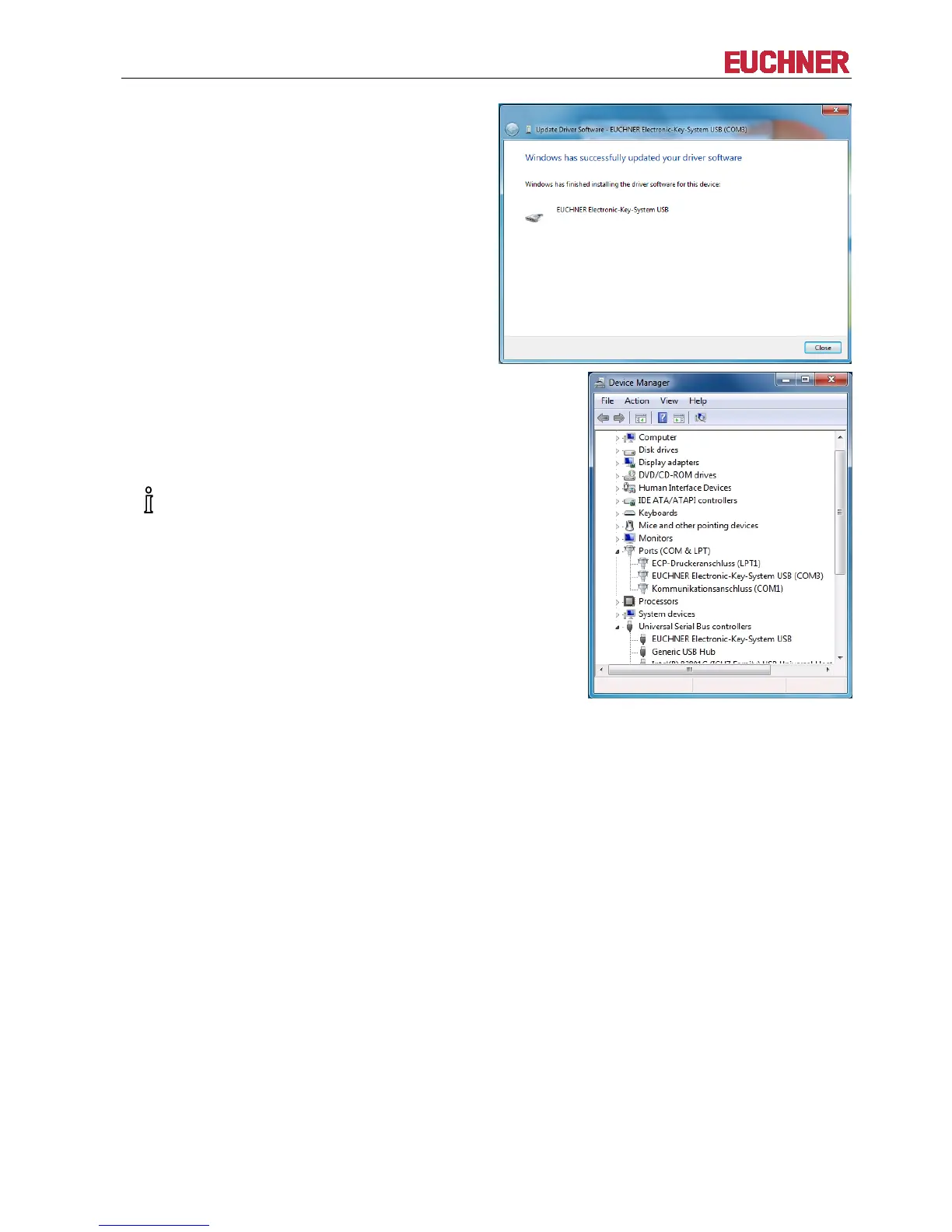
The driver software for EUCHNER Electronic-Key-
System USB (COM#) (virtual serial COM port) will be
installed, and the following message will appear after
completion: Windows has successfully updated
your driver software.
Close this window.
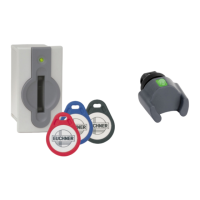
An additional entry now appears in the list of Ports
(COM & LPT): EUCHNER Electronic-Key-System
USB (COM#). The automatically assigned COM port
number ("3" in this example) also appears in the list of
ports. The application can communicate with the
device using this COM port.
This entry is visible only if the Electronic


 To Next Page