OPERATING PANEL & APP
16
USB port is not equipped on all models.
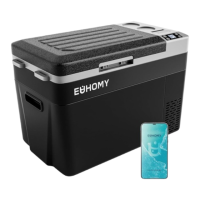
App control is not equipped on all models.
Built-in battery is equipped for internal battery type.
Product features are subject to actual purchase.
To connect the app:
1. Download the app from the App Store or Google Play.
2. Activate Bluetooth on your device.
3. Open the "Car Fridge Freezer" app.
4. Search for local equipment and choose the fridge.
5. Check the fridge’s display panel. It should show “AP”.
6. Press the settings button “ ” to connect the fridge to your device.
TIPS AND SUGGESTIONS
euhomy.com/chat support@euhomy.com
IOS
Android
CHAT WITH US EMAIL US


 To Next Page