I
OPERATINGPROCEDURES&MAINTENANCE|
Postion
of
control
panel &
function
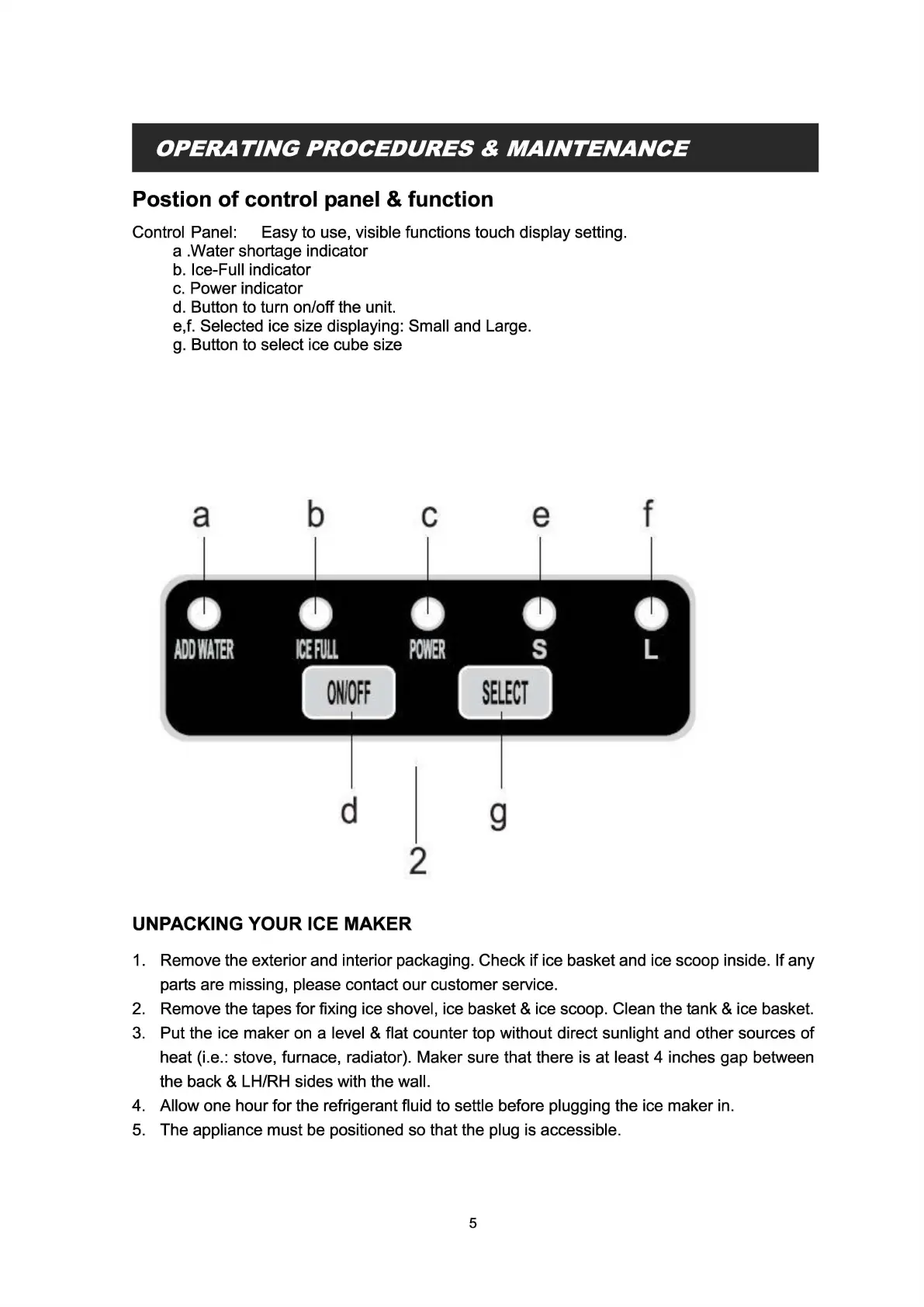
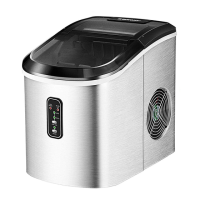
Control Panel: Easy to use, visible functions touch display setting.
a.Water
shortage indicator
b.
Ice-Full indicator
c.
Power indicator
d. Button to turn on/off the unit.
e,f. Selected ice size displaying: Small and Large.
g.
Button to select ice cube size
a
b
c
e
f
d
2
g
UNPACKING YOUR ICE MAKER
1.
Remove the exterior and interior packaging. Check if ice basket and ice scoop inside. If any
parts are missing, please contact our customer service.
2.
Remove the tapes for fixing ice shovel, ice basket & ice scoop. Clean the tank & ice basket.
3.
Put the ice maker on a level & flat counter top without direct sunlight and other sources
of
heat (i.e.: stove, furnace, radiator). Maker sure that there is at least 4 inches gap between
the back & LH/RH sides with the wall.
4. Allow one hour for the refrigerant fluid to settle before plugging the ice maker in.
5.
The appliance must be positioned so that the plug is accessible.
5


 To Next Page