APOLLO Windows XP Embedded Quickstart BIOS settings
© 2007 Eurotech Ltd Issue E 14
BIOS settings
The BIOS on the APOLLO is from Phoenix Technologies. Should you need to reset the
BIOS, follow these steps:
1 Reset the board and press F2. The BIOS set up screen is displayed.
2 Use the Right Arrow key on your keyboard to select Exit.
3 Use the Down Arrow key on your keyboard to select Load Setup Defaults and
press Enter. The following message is displayed:
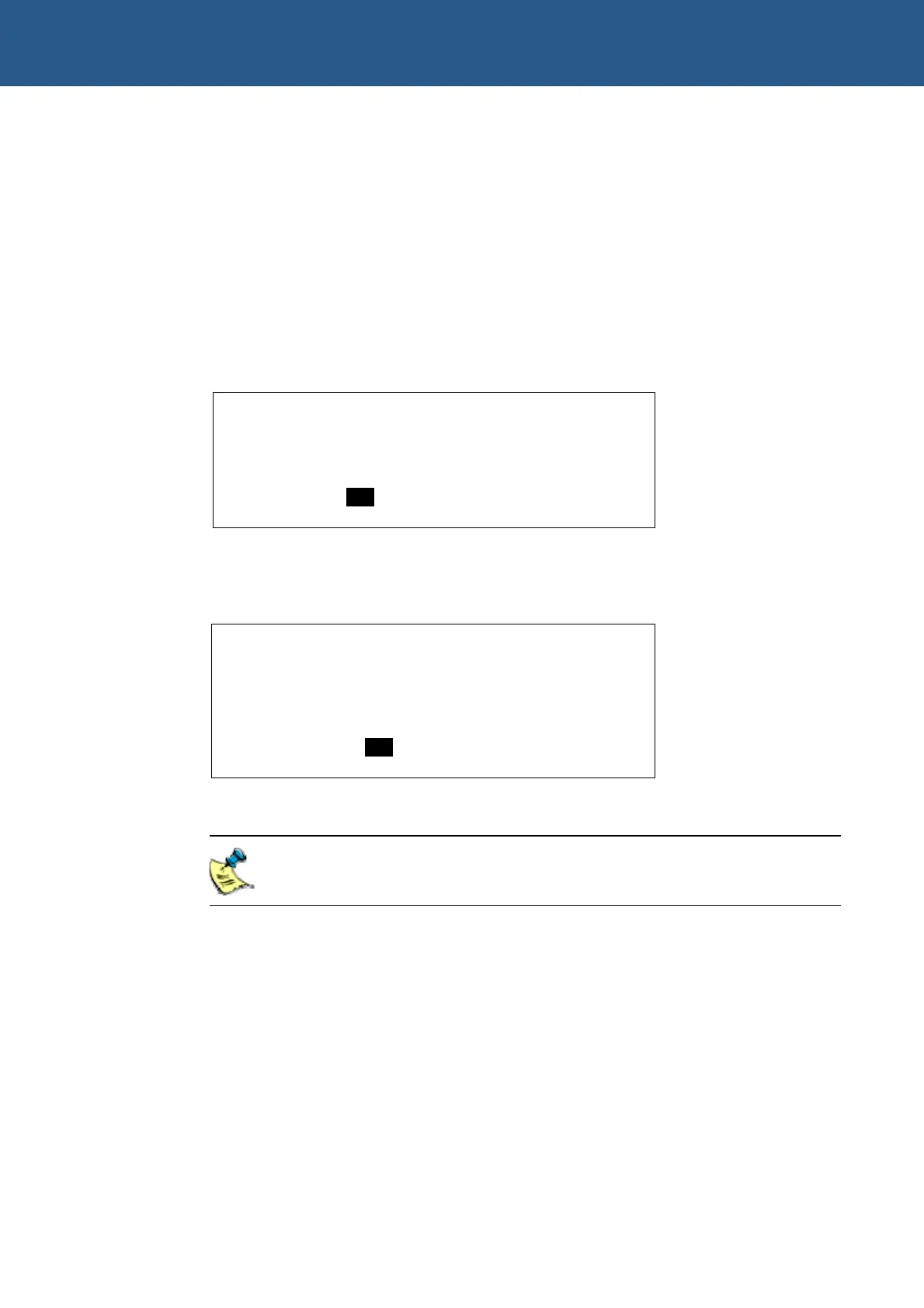
Setup Confirmation
Load default configuration now?
[Yes] [No]
4 Press Enter. Exit Saving Changes is highlighted.
5 Press Enter. The following message is displayed:
Setup Confirmation
Save configuration changes and exit
now?
[Yes] [No]
6 Press Enter. The APOLLO reboots with the default BIOS settings.
We use these settings when assembling the APOLLO and recommend that
you use them if you need to reset the BIOS.



 To Next Page