APOLLO Windows XP Embedded Quickstart Setting up Windows Embedded Studio
© 2007 Eurotech Ltd Issue E 32
Target Designer extensions
To import Target Designer extensions, follow these steps:
1 Make sure you have write access to the Repositories folder (which is in the
Windows Embedded Data folder). If you don’t, create a share with your user name
by right-clicking on the Repositories folder and then selecting Properties →
Sharing.
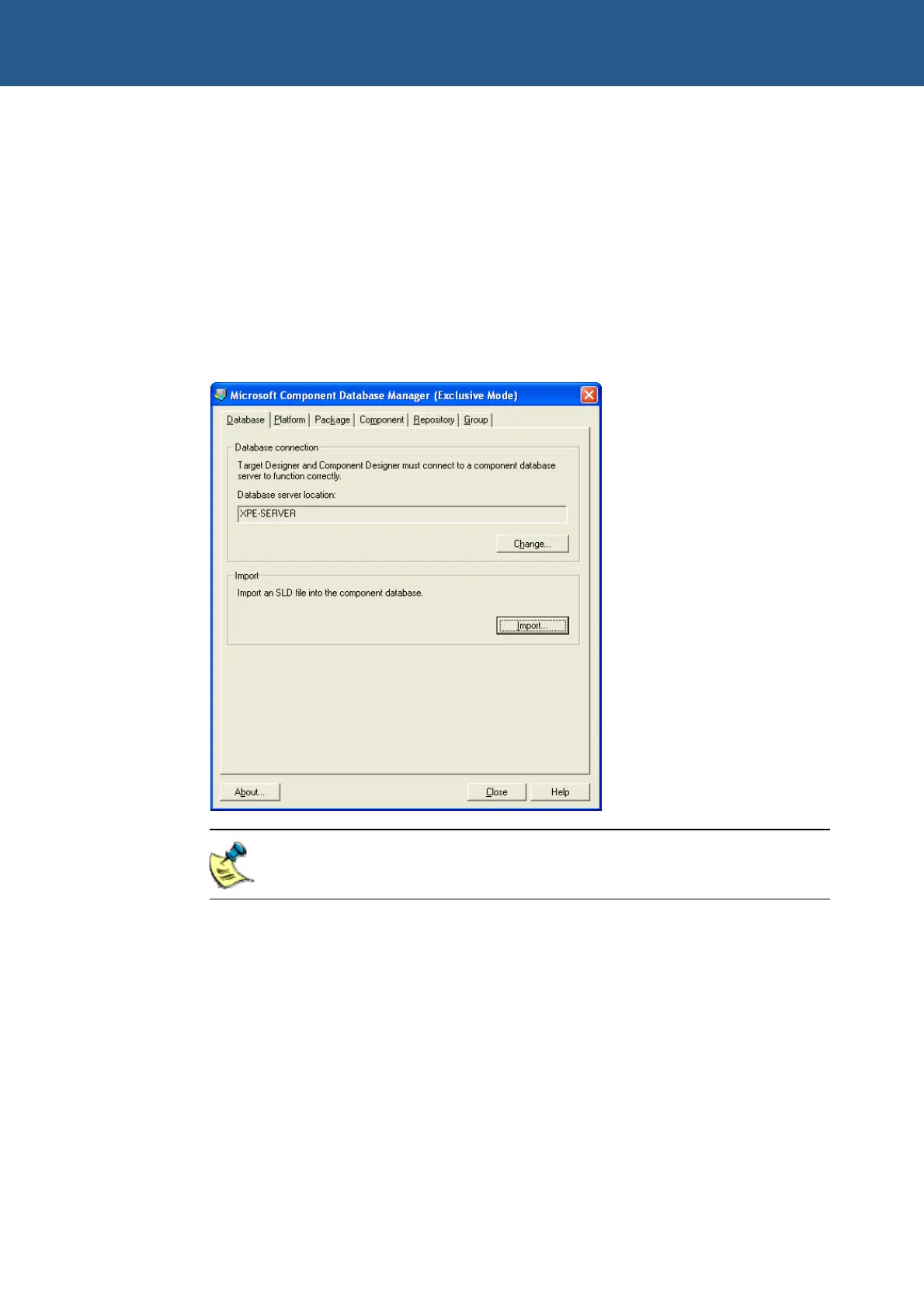
2 Start Target Designer and select Component Database Manager from the Tools
menu. The Component Database Manager window is displayed:
Target Designer extensions are stored in files with an .SLD extension.
3 Click on Import. The Import SLD dialog box is displayed.
4 Select the file Arcom APOLLO.sld from the following folder:
C:\Arcom\APOLLO\TDExtensions\Components\APOLLO



 To Next Page