APOLLO Windows XP Embedded Quickstart Transferring a new image to the APOLLO
© 2007 Eurotech Ltd Issue E 41
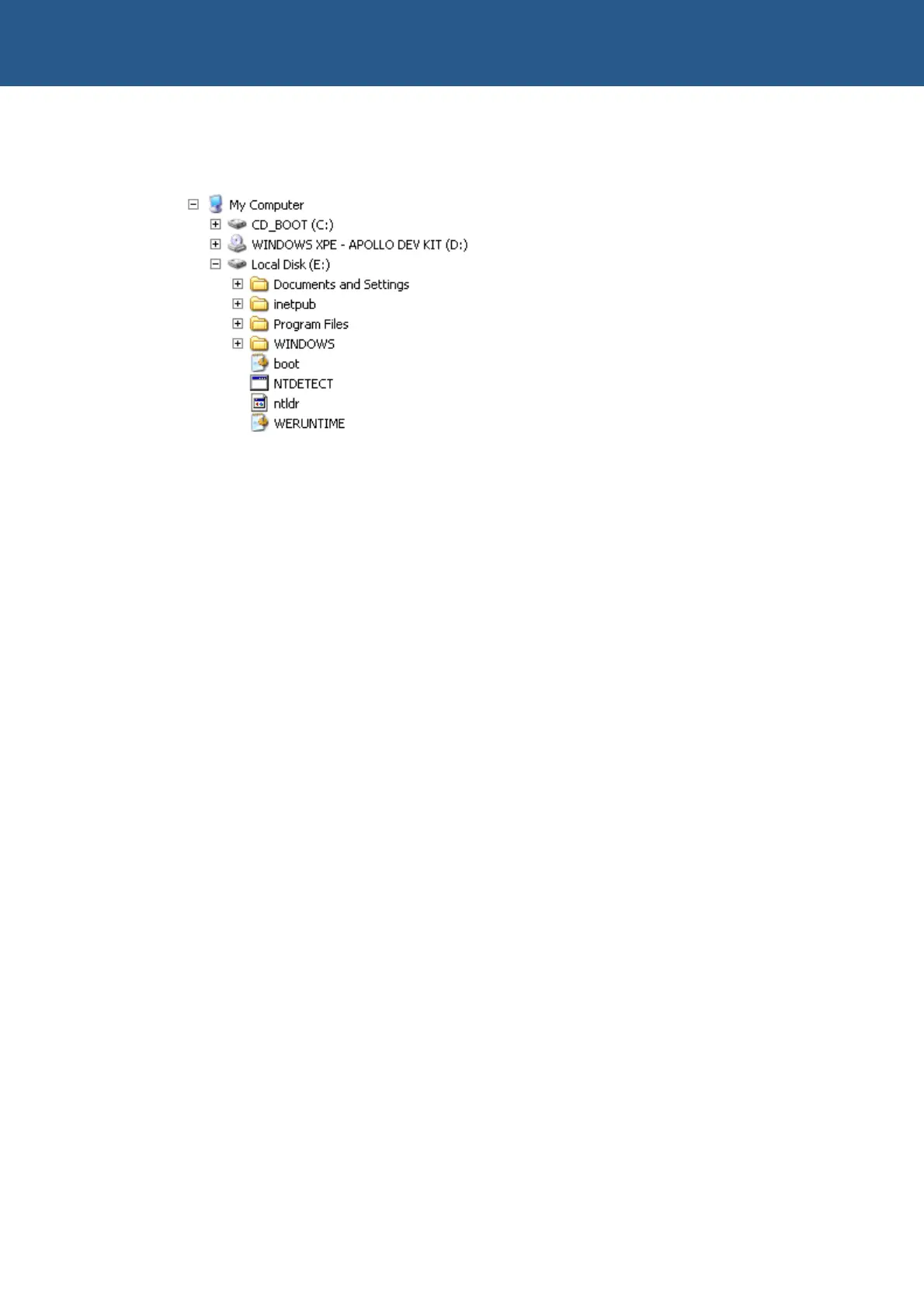
When copying is complete, the folder structure for drive E: should look something like
this:
Click on the START button, and select TURN OFF COMPUTER. Follow the
instructions below to change the boot order of the BIOS:
1 Power on the APOLLO, and press F2 to enter the BIOS.
2 Navigate to the Boot section using the Æ and Å arrow keys, and make sure that
Hard Disk is selected as the first boot device. If you need to change the order, you
can do so using the + and – keys.
3 Navigate to the Exit section using the Æ and Å arrow keys, select Exit Saving
Changes and press Enter.
Windows will now run through the First Boot Agent (FBA). Depending on the size and
complexity of your XP Embedded image, this can take up to an hour to complete.



 To Next Page