E
-220 User Manual
6.2.2 PAID OUT
Enter the amount you wish to get out.
Enter <PO> and drawer will be opened if programmed, and printer received amount on
receipt.
6.3 DEPARTMENT SALES AND PLU SALES
6.3.1 DEPARTMENT SALES
The department keys allow printing of sales transactions by department on the receipt.
As well as being accumulated in individual registers, the amounts are totalled in the total on
the current receipt. By repeatedly pressing the department key, registration of the last amount
entered is repeated.
The amount that precedes the pressing of the department key can be omitted if
pre-programmed.
The single strike function set on the department allows the register to produce a receipt by
simply pressing the department key.
For example a sale in an unnamed department:
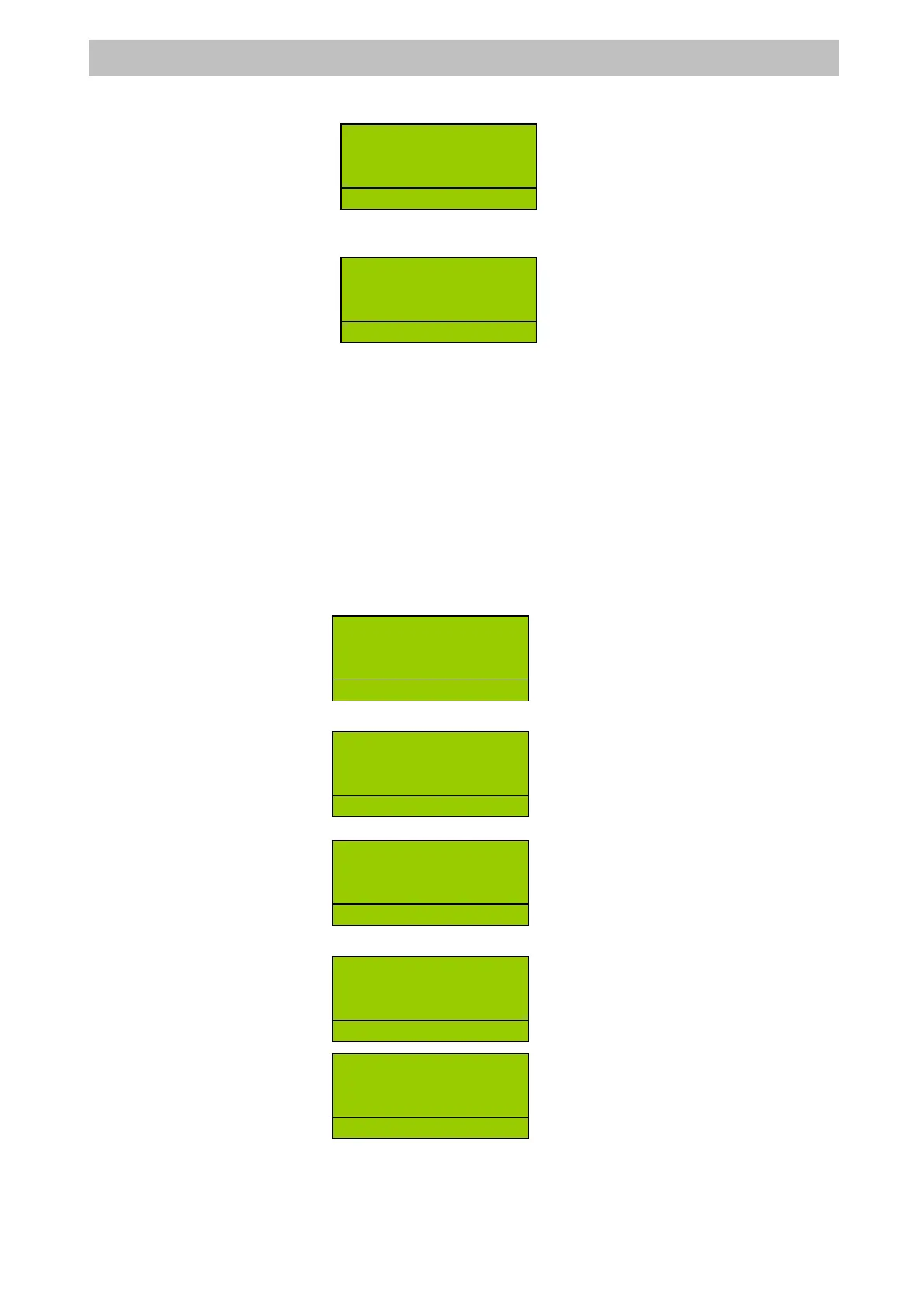
Enter the price of the department, amount =>
Enter the a DEPT2 key, =>
Press a tender key. CASH=>
Or a sale by in a named department, DEPT3 =>
Press a tender key. CASH=>
R
2
PO -200.00
R
LERK
R
DEPT 2 8
1 8.00
R
D
2
.
1 8.00
TOTAL 8.00
CASH 8.00
R
LERK
DEPT 3 3
1 3.00
R
D
.
1 3.00
TOTAL 3.00
CASH 3.00
R
LERK


 To Next Page