2
E
-220 User Manual
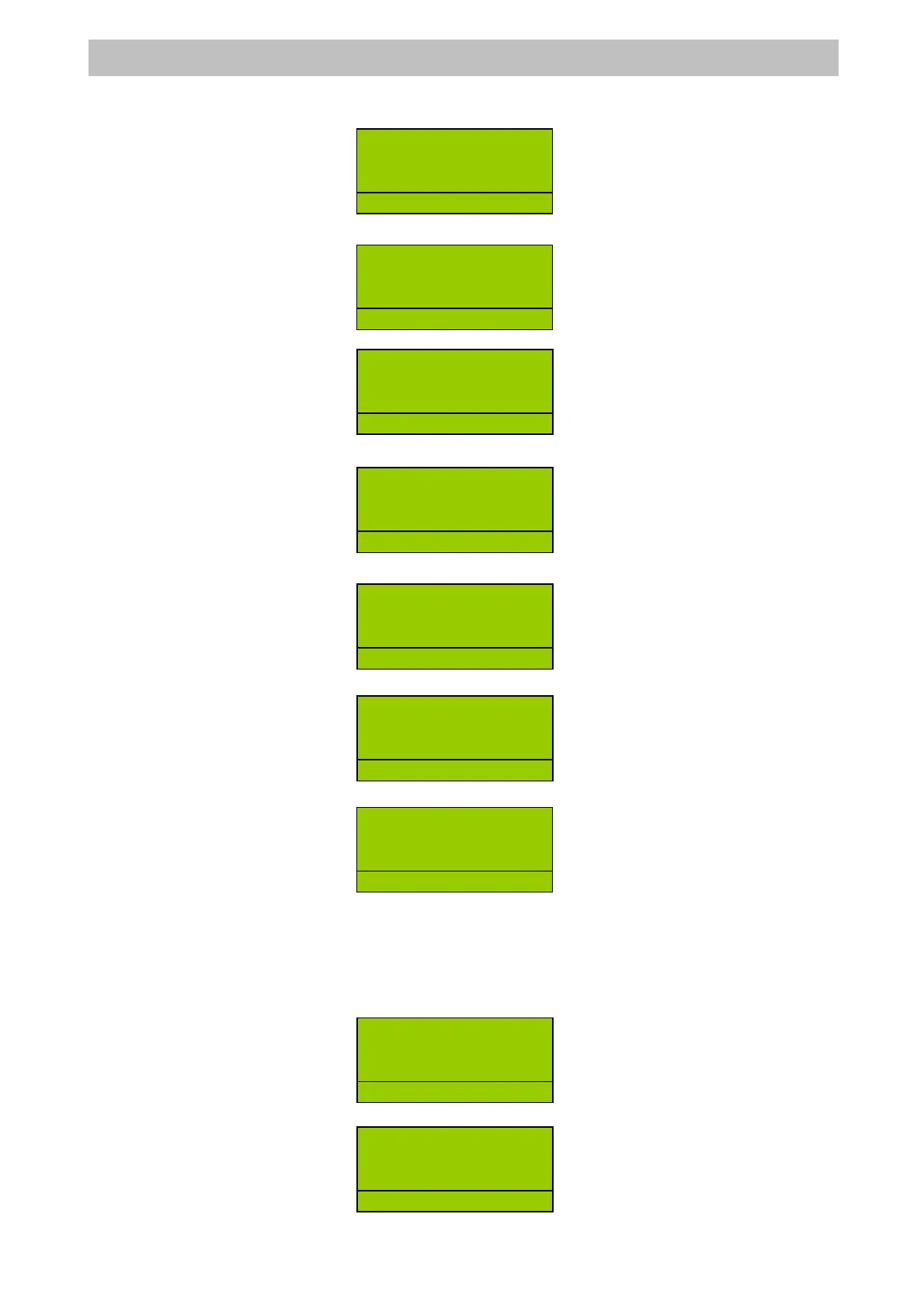
Press <-%DISCOUNT> key =>
Or Enter the amount of department item and press <DEPT> key =>
Enter discount rate =>
Press <-%DISCOUNT> key =>
Or Enter the amount of department item and press <DEPT> key =>
Press <SUBTOTAL> key =>
Press <-%DISCOUNT> key =>
6.4.6 NET DISCOUNT AND INCREASE
The NET DISCOUNT/INCREASE key allows you to make an absolute discount by enter an
amount and press < NET DISCOUNT> or <NET SURCHARGE>
For example:
Register something, amount => DEPT =>
Enter the amount of discount/increase =>
DEPT2 8
1 8.00
-%DISC 1 -0.80
R
D
2
.
DEPT2 8
1 8.00
R
D
2
.
DEPT2 8
1 8.00
R
D
2
.
DEPT2 8
1 8.00
SUBTOTAL 8.00
R
D
2
.
1 8.00
SUBTOTAL 8.00
-%DISC 1 -0.80
R
1
DEPT2 8
1 8.00
R
1
DEPT2 8
1 8.00
-%DISC 1 -0.80
R
1
DEPT2 8
1 8.00
R
D
2
.
DEPT2 8
1 8.00
R
2


 To Next Page