3
E
-220 User Manual
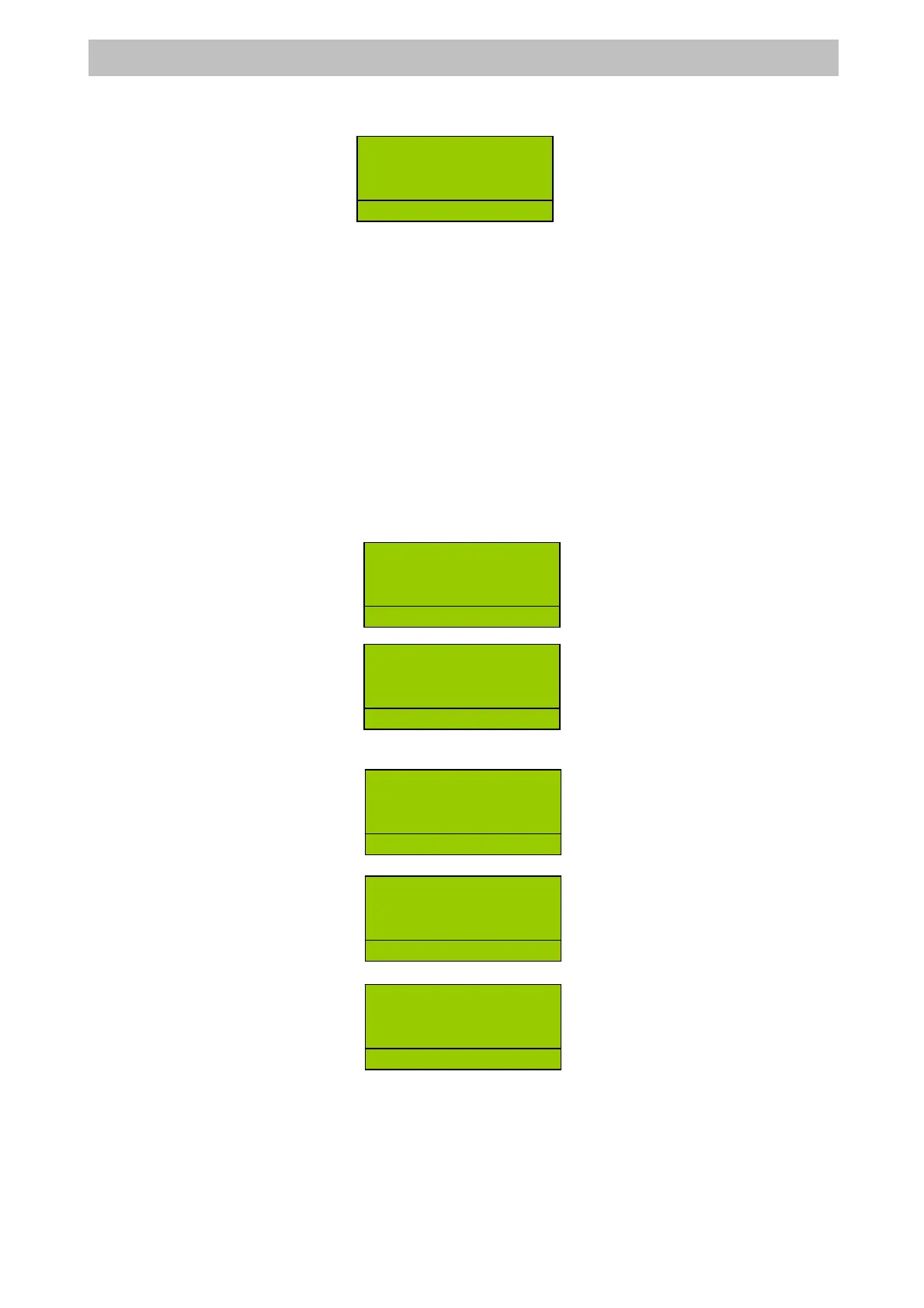
Press <NET DISCOUNT> key =>
6.5 CONCLUDING TRANSACTIONS, METHODS OF PAYMENT
The sales transaction is concluded with payment, setting the sequences that allow you to
register the amount taken on the keyboard.
The cash register automatically calculates and displays the change to be given whenever the
amount cashed is greater than the sale price. If the amount cashed is inferior, the ECR displays
the remaining amount (SUBTOTAL) and waits for further payment to be made.
Mixed tenders can be accepted, part in cash and part in credit or by cheque; the change given
is always in cash.
Note that by using the <CURRENCY> function the register accepts payment in foreign
currency.
Below are some examples of the main closure methods:
6.5.1 CASH PAYMENTS
The <CASH> key automatically assumes the meaning of payment in cash. To close cash
transaction and print the receipt type the following sequence:
Enter the item sale, amount => DEPT =>
Press <CASH> =>
Or to calculate the amount of change enter the figure before the <CASH> key
Enter the item sale, amount => DEPT =>
Enter cash amount =>
Press <CASH> =>
6.5.2 PAYING BY CHEQUES, COUPON, CREDIT CARD OR CREDIT
Close the sale and count up payment with cheques, coupons, credit cards or credit. The
amounts are thus assigned to different product registers, which can be seen on the printed
reports for auditing purposes.
For Cheques and Coupon the sequence will be as follows:
Enter the item sale, amount => DEPT =>
DEPT2 8
1 8.00
NET DISC -2.00
R
2
DEPT2 8
1 8.00
SUBTOTAL 8.00
R
D
2
.
1 8.00
TOTAL 8.00
CASH 8.00
R
LERK
DEPT2 8
1 8.00
R
D
2
.
DEPT2 8
1 8.00
R
2
CASH 8.00
RECEIVE 20.00
CHANGE 12.00
R
LERK


 To Next Page