6
E
-220 User Manual
6.6 OTHER FUNCTIONS AND SPECIAL KEYS
This paragraph describes the operational modes for the accessory functions present on the
keyboard.
6.6.1 SUBTOTAL KEY
To display and print the SUBTOTAL amount, or rather the amount of the transaction memorised
up until that time.
For example type the following:
amount => DEPT 1 => ... => DEPT NN => SUBTOTAL
The second typing of the key allows you to display the number of units sold.
6.6.2 C KEY
The <C> key allows you to correct the sequences typed and displayed on the viewer, but not
yet registered. It also allows you escape error conditions.
6.6.3 FEED KEY
By pressing the <FEED> key once the receipt moves forward by one line of print.
6.6.4 PRICE KEY
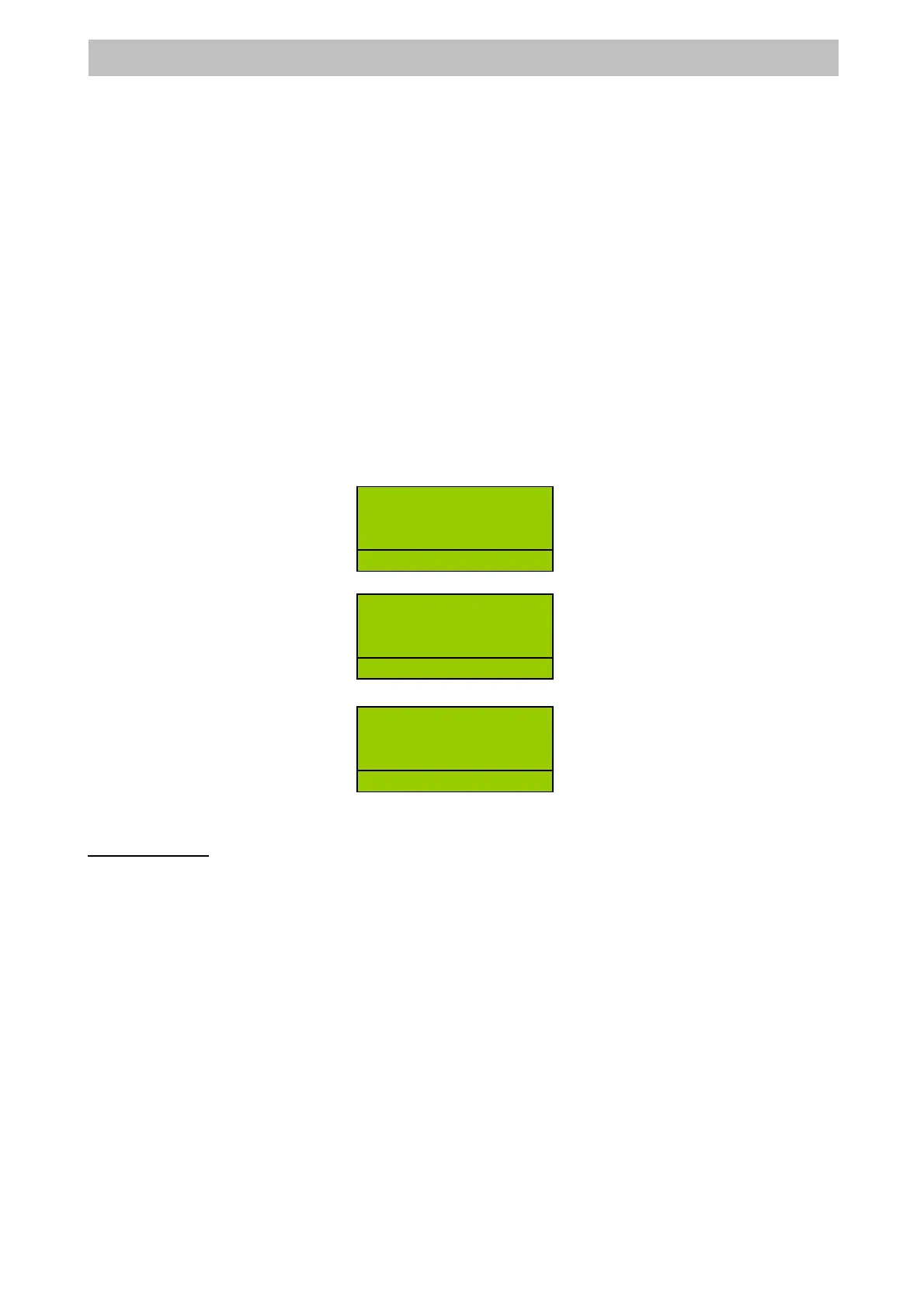
The <PRICE> Key can be used for changing the unit price of last entry item.
Enter the amount of price and press <PRICE>, amount => PRICE =>
Enter PLU code =>
press <PLU> =>
6.6.5 OTHER FUNCTIONS
Receipt Copy
Receipt copy can be obtained by simply pressing the <SUBTOTAL> key.
The receipt obtained will be a complete copy of the last one produced.
R
12
R
2
BOOK 1 12.00
R
D
1
12.


 To Next Page