4
E
-220 User Manual
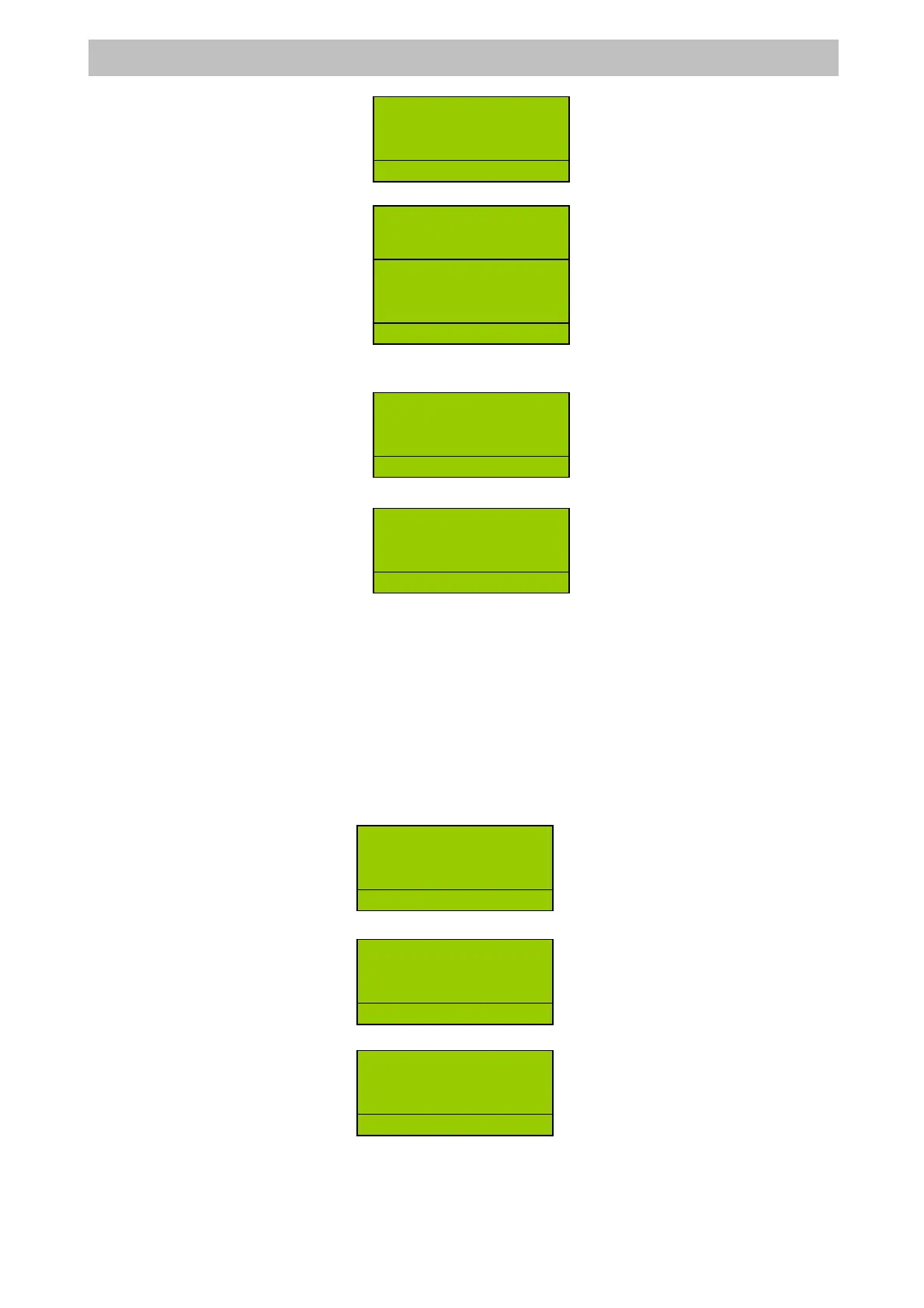
Enter the amount =>
Press <CHEQUE> or <COUPON> =>
Instead for Credit Cards or Credit it will be like this:
Enter the item sale, amount => DEPT =>
Press <CHEQUE> or <COUPON> =>
Note that in the first case a greater amount can also be entered, with the relevant calculation
of change, while in the second (being credit) the ECR considers this the overall value of the
transaction.
6.5.3 USING OTHER CURRENCY
The <CURRENCY> key allows you to obtain a receipt total expressed in a foreign currency.
By setting the currency code, previously programmed (from 1 to 4) and pressing the
<CURRENCY> key, the display shows the SUBTOTAL of the transaction expressed in the
foreign currency. At this point it is possible to enter the value of the foreign currency actually
cashed and press <CASH>. Payments can also be made in mixed currencies.
For example, use the following keys:
Enter the item sale, amount => DEPT =>
Enter currency code (1, 2, 3, 4) and press <CURRENCY> =>
Press <CASH>=>
DEPT2 8
1 8.00
R
D
2
.
DEPT2 8
1 8.00
R
2
DEPT3 3
1 3.00
R
1
TOTAL 8.00
FEE 12.00
COUPON 20.00
R
LERK
DEPT2 8
1 8.00
R
2
1 8.00
TOTAL 8.00
COUPON 8.00
R
LERK
DEPT3 3
1 3.00
R
D
.
1 3.00
TOTAL 3.00
CASH $24.00
R
LE
K


 To Next Page