Adjustments During a Firing
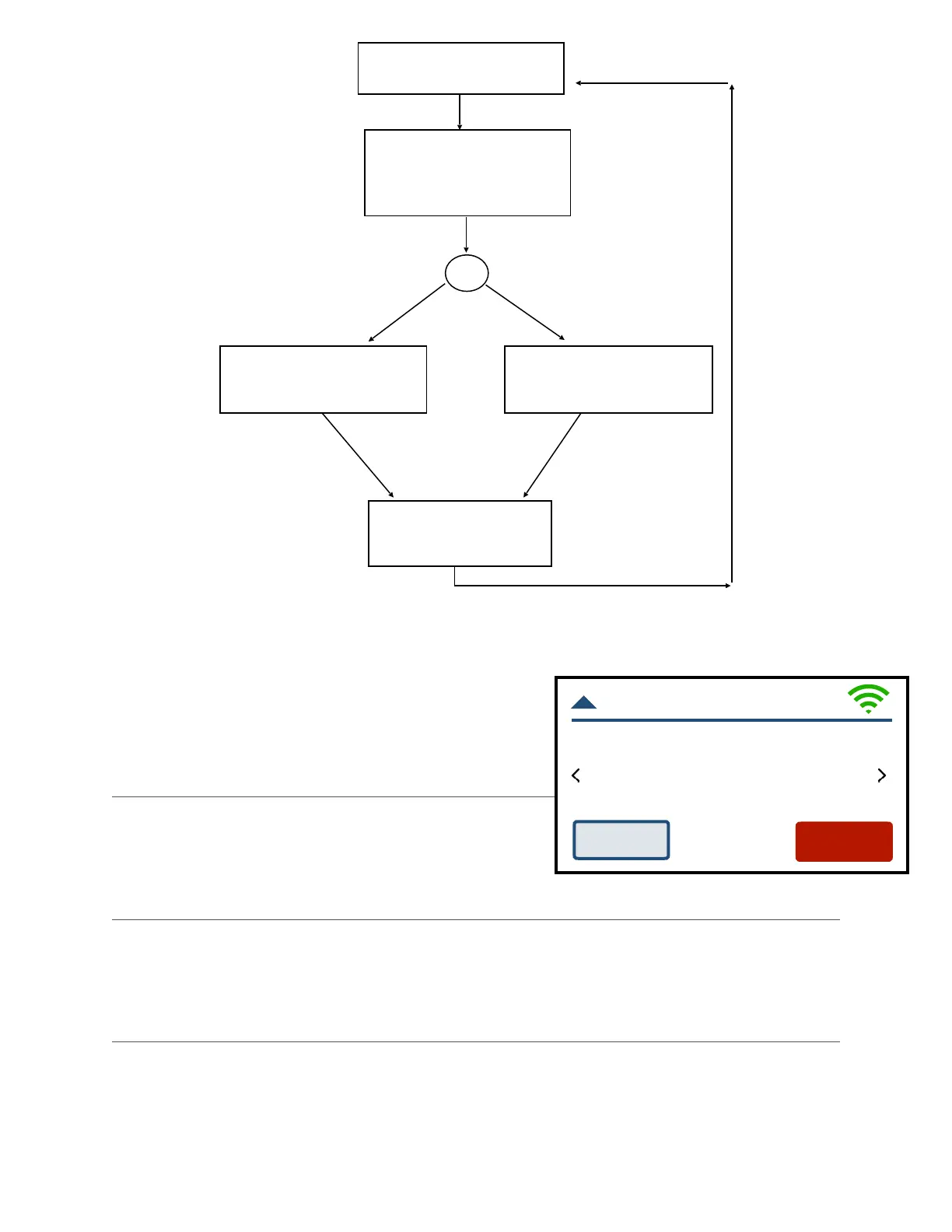
Once a firing has been started, the screen will change
to the Firing Screen. Viewing and making some
adjustments to the program is still available. !
Stop!
Press STOP at any point in the firing to immediately
stop the firing. The controller will return to the Home
Screen.!
View!
Arrows on the Firing Screen provide access to several different view screens for the firing,
including: current temperature; the Firing Review Screen; the Segment Status screen; or a
graph of the firing. !
Adjust!
Press Adjust to make adjustments to the firing while a firing is in progress. !



 To Next Page