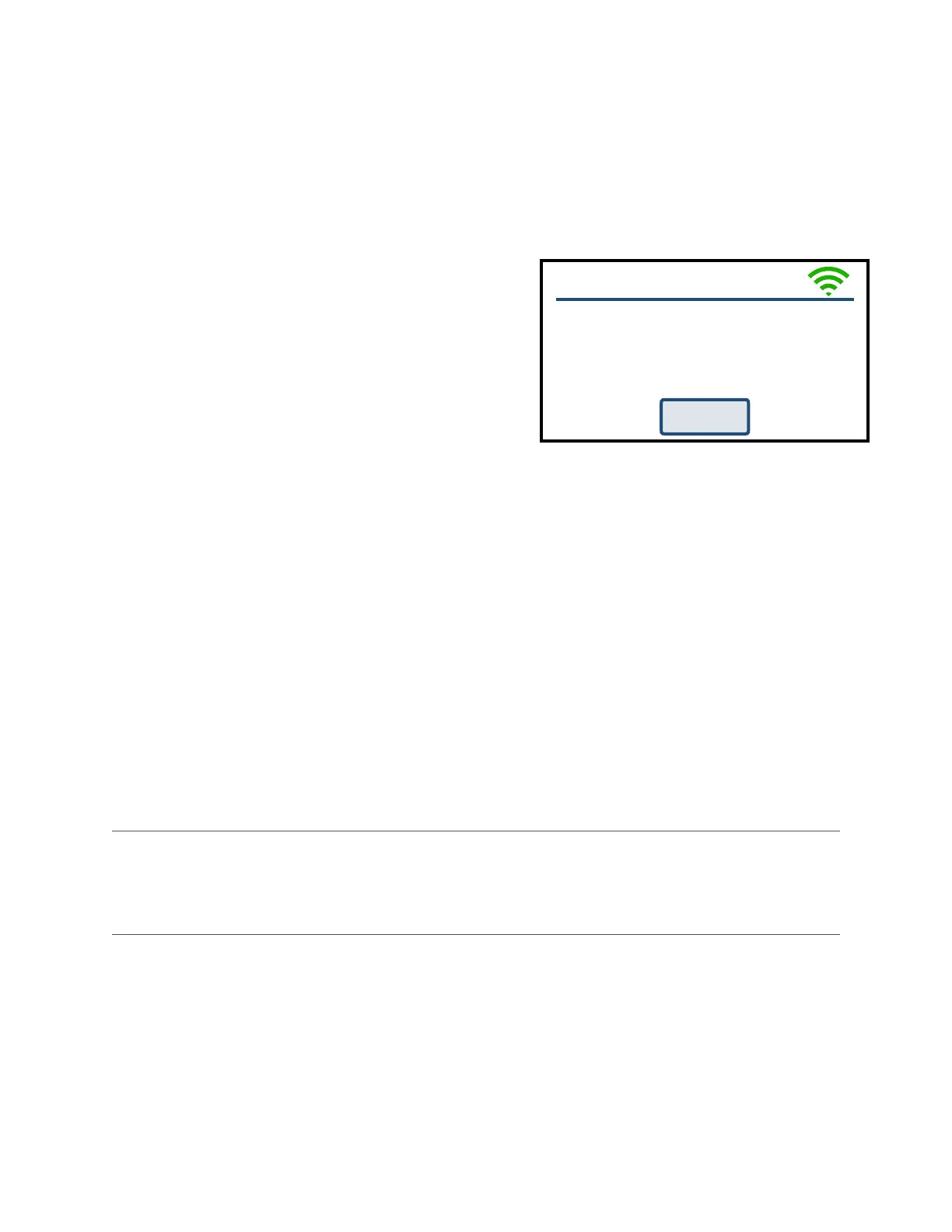
During a Hold: !
• “Add Time” will add 5 minutes to the hold.!
• “Add Temperature” will increase the hold temperature by 5°F. !
During a Temperature Ramp:!
• “Skip Step” will skip the current segment and move to the next in the firing. This feature
is used when enough heat work has been done at the current segment and you want to
immediately go to the next ramp rate. !
End of Firing – COMPLETE
When the firing is complete, an alarm will sound and
the controller will display COMPLETE with the current
temperature and firing time. To return to IDLE, press
“Clear”. You may open the kiln when the temperature
has cooled to 150°F.!
Care of Thermocouple
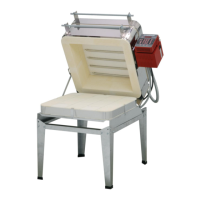
The small metal rod protruding into the firing chamber
is the temperature sensor, or thermocouple. Do not
let shelves, posts, or ware touch the thermocouple;
this could affect the temperature reading.!
Bumping the thermocouple during loading can damage it or push it out of the firing chamber. It
should protrude into the firing chamber about 1 -1/2”. Check the kiln manufacturer’s placement
instructions. Also, avoid firing clay with high sulfur content. The sulfur erodes the thermocouple
making it brittle and easy to break.!
History
List of the recent firings so you can view data or start controller with the same configuration
of a previous firing. For each firing you can:
-
View Graph (or copy this program to a Custom Program Slot)
-
Start Firing Again With Same Settings
WiFi Menu
WiFi Status!
This menu option displays the WiFi network the controller is connected to, WiFi signal
strength and if it is connected to the Cloud API.!
Enable Wi-Fi!
Enable or disable the Wi-Fi feature. Off turns Wi-Fi capabilities off at all times. On When Firing
enables Wi-Fi only when a firing is in progress. Always On turns the Wi-Fi on anytime it is within
range of a setup Wi-Fi connection.!



 To Next Page