OPERATING INSTRUCTIONS
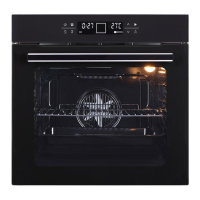
Set the end of cooking time
After the cooking time is already set, press key to switch the icon , set the end of cooking time by pressing
keys and .
The end time equals current time plus working time; for example: if the working time is set to 2 hours, the end time
equals current time plus two hours.
Set the alarm time
Press the key to switch on the icon in the display, Set the alarm time by pressing key and .
The oven should sound “Beep” for 3 minutes, press any key to cancel the beep sound.
Note: All the settings will be automatically confirmed if no any action in seconds.


 To Next Page