ECOR960 4F2 / 8F2 / 16F2
ECOR960 16F2:
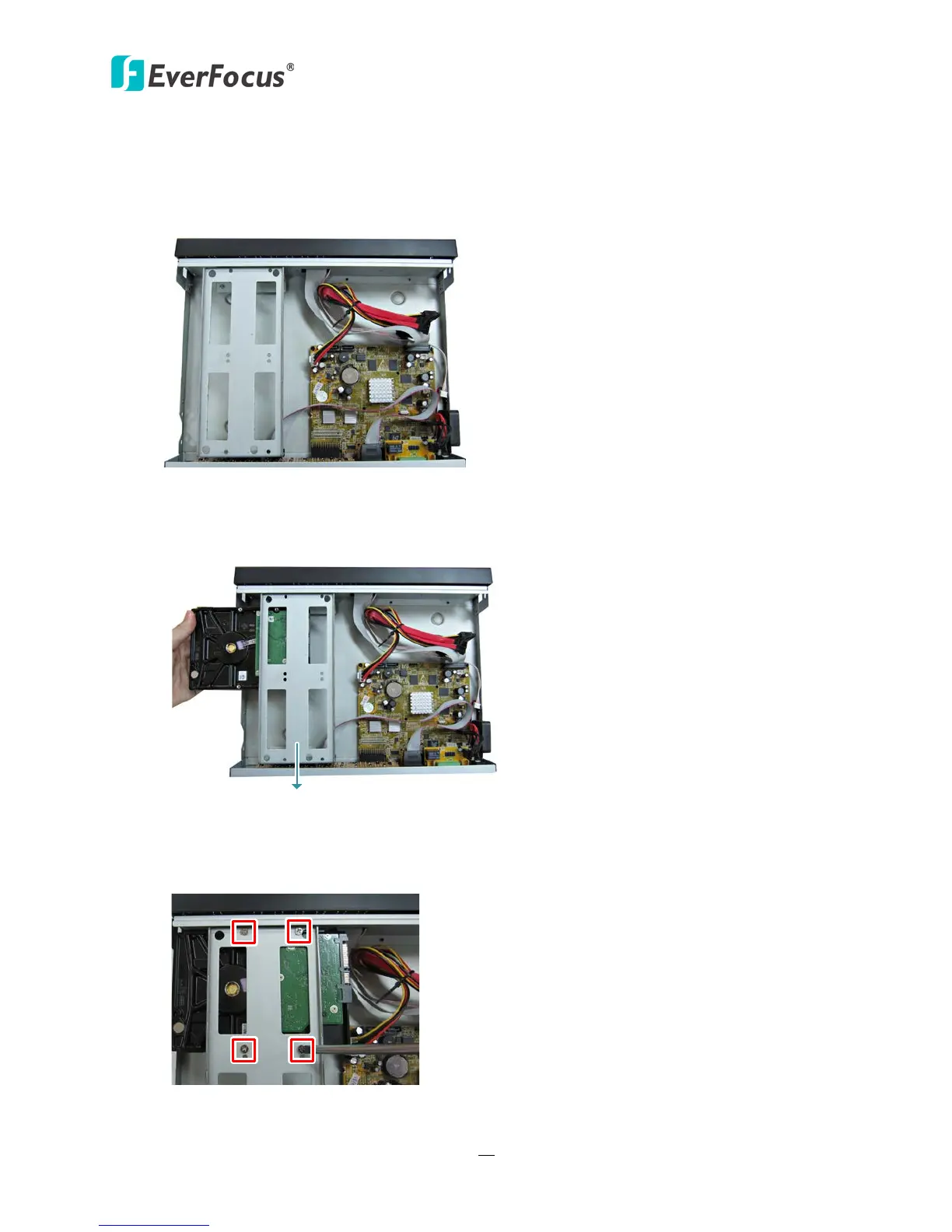
You can optionally install two 3.5” HDDs inside the ECOR960 16F2 DVR.
1. Follow the above same step 1~3 to open the housing of the ECOR960 16F2.
Figure 2-6
2. The HDDs have to be mounted upside down with the connectors facing inwards, so please
slide the HDD under the HDD Bracket.
Figure 2-7
3. Screw the HDD upside down with the four supplied screws.
Figure 2-8















 To Next Page