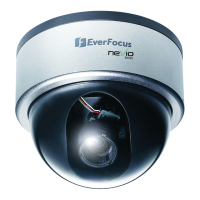
EZN268
24
6. In the Install Signed Certificated field, click the Browse button to search for the issued certificate,
and then click the Upload button to import the certificate. Once the certificate has been
uploaded, this field will show the subject line of the certificate.
【QoS Settings】This function can only be set up in the Advanced tab used to set up the priority of
package transimission. Adjust the value from 0 – 64 for Live video, Live audio, Event/Alarm and
Management. The higher the value, the higher the priority. Click Apply to save the changes.


 To Next Page