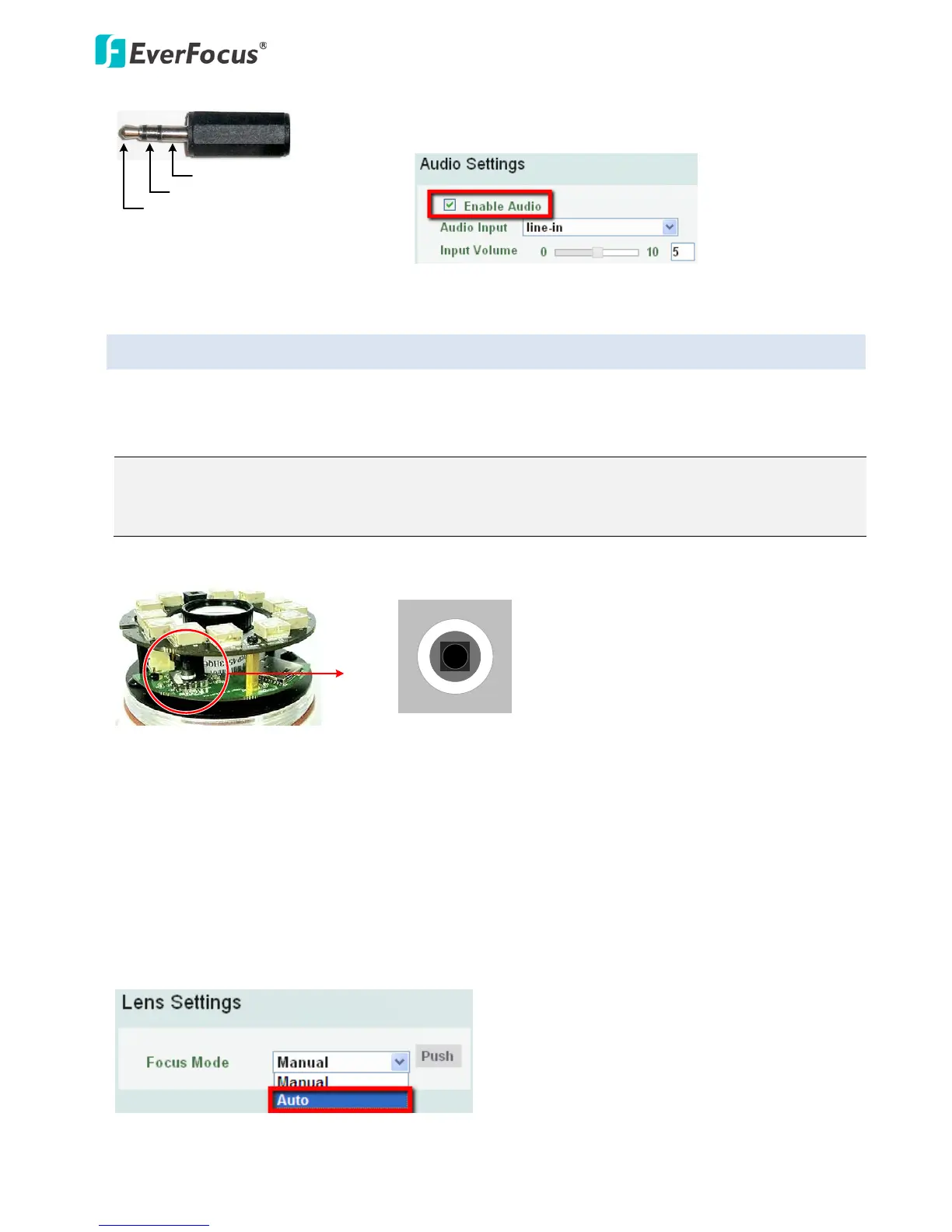
To activate the Audio function, the Enable Audio must be
checked. See Audio Settings in 7.2.1 Streaming and Audio.
3.2 5-Axis Button
The 5-Axis Button is designed for manually adjusting zoom and focus, and restoring to factory default.
You can also use the button to auto focus.
Note: If you have already inserted a desiccant bag inside the module, close the cover immediately in
case of reducing the absorption capacity of the desiccant bag inside the camera. To replace a new
desiccant bag, see Step3 in 4.2.2 Inserting a Micro SD Card.
Focus: Push the button left or right.
Zoom: Push the button up or down.
Auto Focus: Press the button once.
Reset: Press and hold the button for 5 seconds.
Note that if you select Auto from the Focus Mode drop-down list in the Lens Settings field (see 7.2.3
Camera), the camera will automatically adjust focus every time you push the button up or down to
zoom.



 To Next Page