EZN3261/3361
36
7.1.4 Display and Overlay
You can configure the recording path / format, source video stream and SD card settings on this
page.
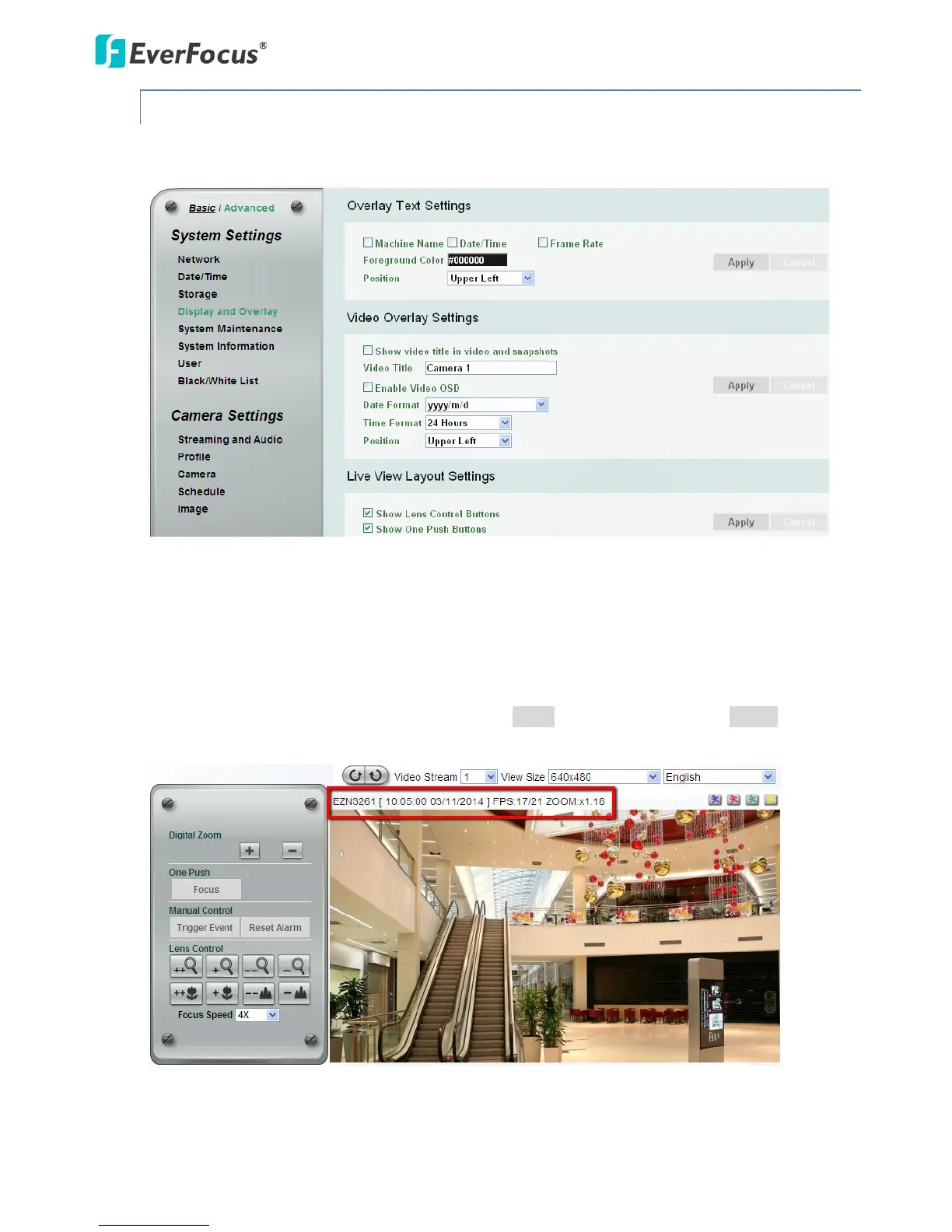
【Overlay Text Settings】Check the boxes to display the information on the Live View Window. The
information will only be displayed on the Live View Window and will not be displayed on the live view
video images nor snapshots. To change the foreground color of the text, directly click on the box and
then select a color. Select a position where you want the information to be displayed on the Live
Window. To change the Machine Name, see Machine Name in 7.1.5 System Maintenance. To change
the day and time setting, see 7.1.2 Date / Time. Click Apply to apply the changes or Cancel to cancel
the changes and return to the previous settings.



 To Next Page