EZN3261/3361
40
Note:
1. Do not disconnect power to the unit during the upgrade sequence. The unit will reboot
automatically after the upgrade has completed (1-5 minutes).
2. During the upgrade process, all event recording actions will be stopped. Event recording
actions will resume after the camera is rebooted.
3. If the “File Error, Please re-login!!” warning message appears when upgrading the firmware,
please try the following instructions:
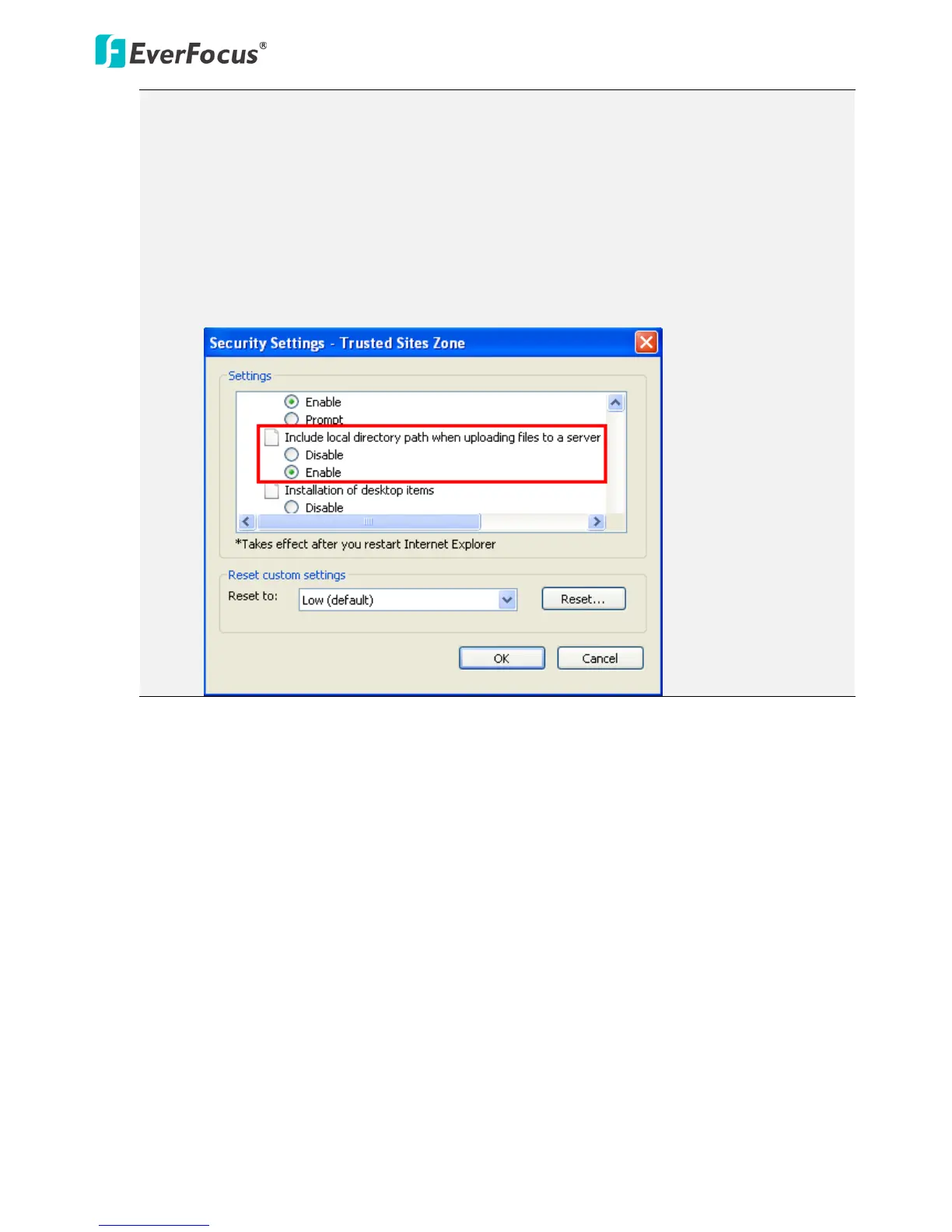
a. Go to Internet Explorer > Tools > Internet Option > Security > Custom.
b. Find and enable the Include local directory path when uploading files to a server.



 To Next Page