3
Product Settings 45
EVERSYS AG CP89 Rue du Biais 19 CH-1957 Ardon
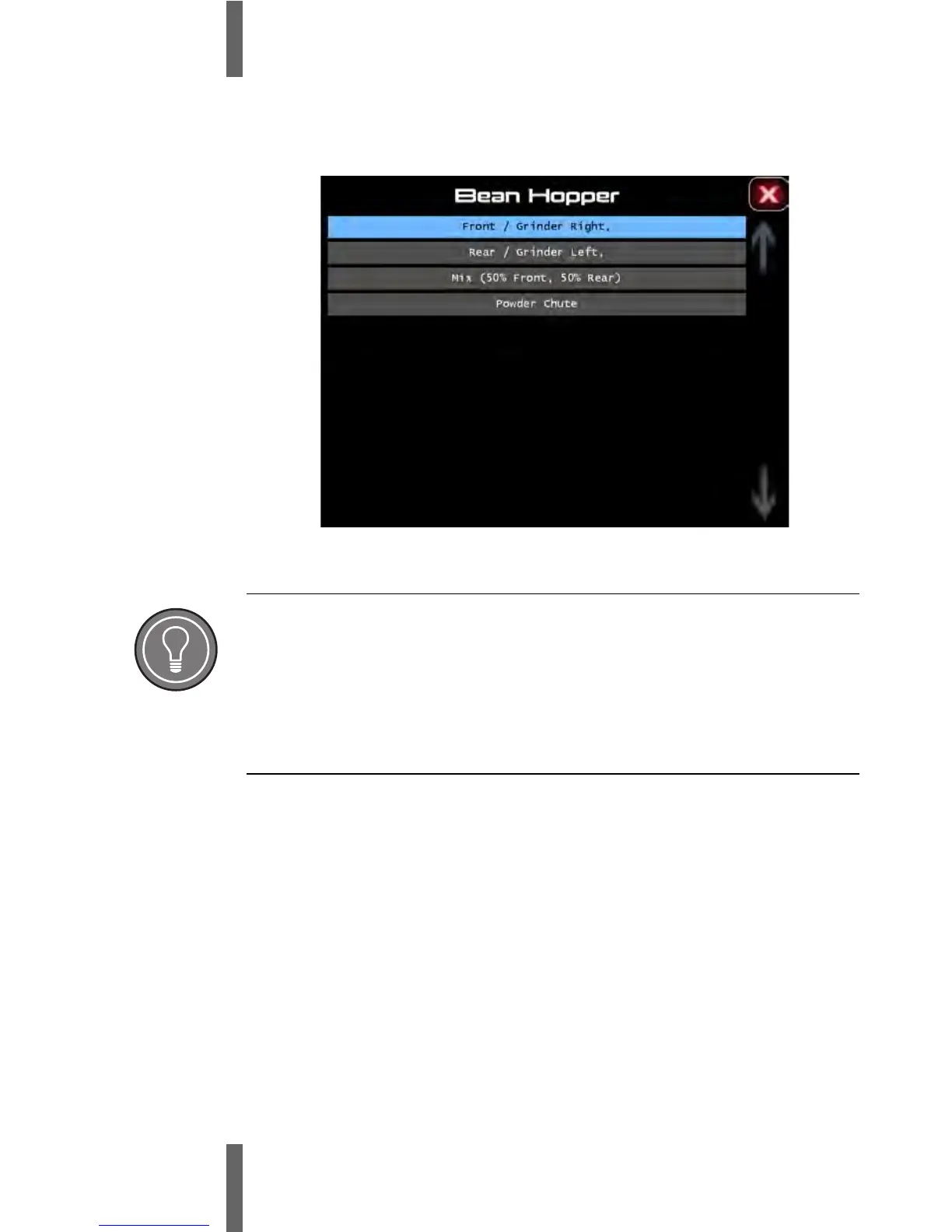
6 Assign the bean hopper to the product by selecting the sub-
menu “Bean Hopper”.
7 Repeat point 1 to 5 to assign all other product selection buttons.
Default Setting
After assignment of all product selection keys, the set parameters are
used as default setting.
For good quality coffee, the parameters need to be finely adjusted based
on the available coffee beans.










 To Next Page