24 Start-Up
3
1START-UP
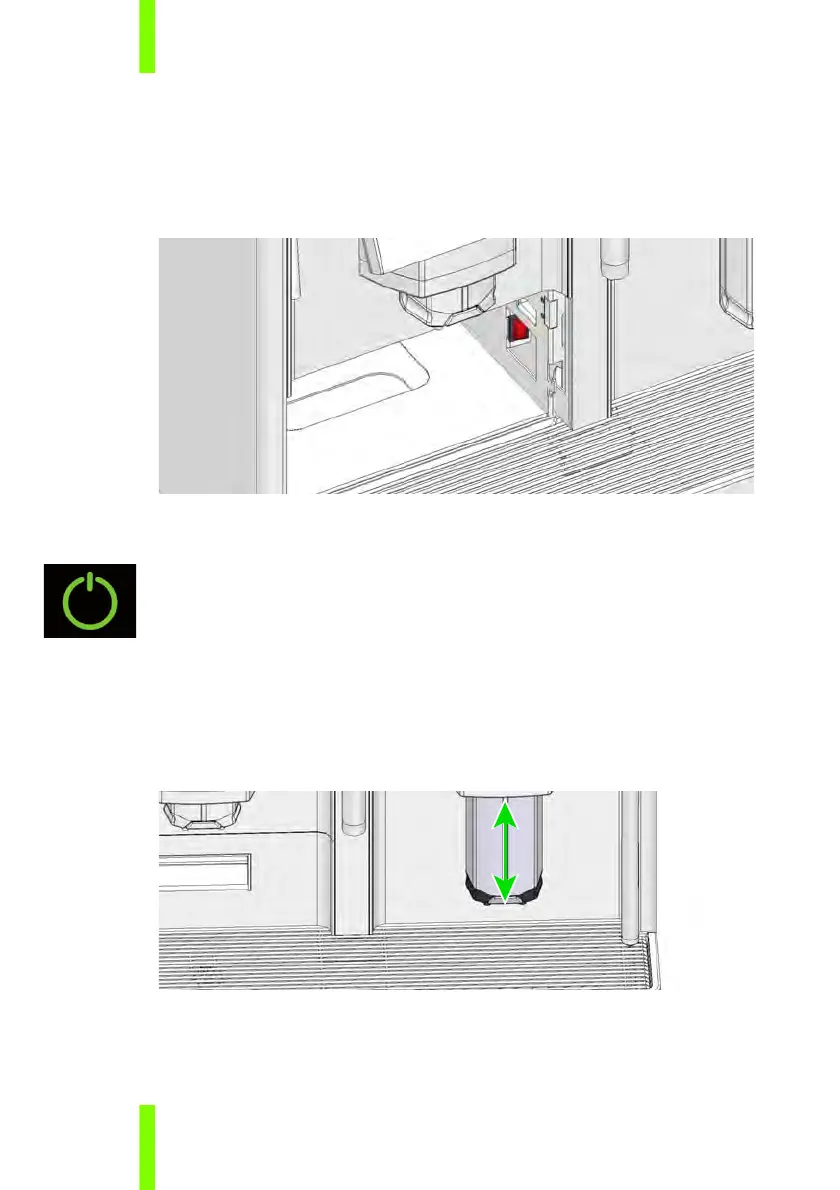
1.1 ON/OFF SWITCH
The ON/OFF switch is located inside the housing on the right hand
side behind the grounds drawer.
1.2 STANDBY BUTTON
To start up the machine from standby/eco mode, the standby
button is used. The standby button is located at the bottom right
corner of each touch screen.
1.3 MOVE THE COFFEE SPOUT UP/DOWN
The adjustable coffee spout suits almost every usual cup size.
Hold the spout with two fingers and move it up or down.











 To Next Page