28 Usage
3
2 USAGE
2.1 PRODUCT BUTTONS
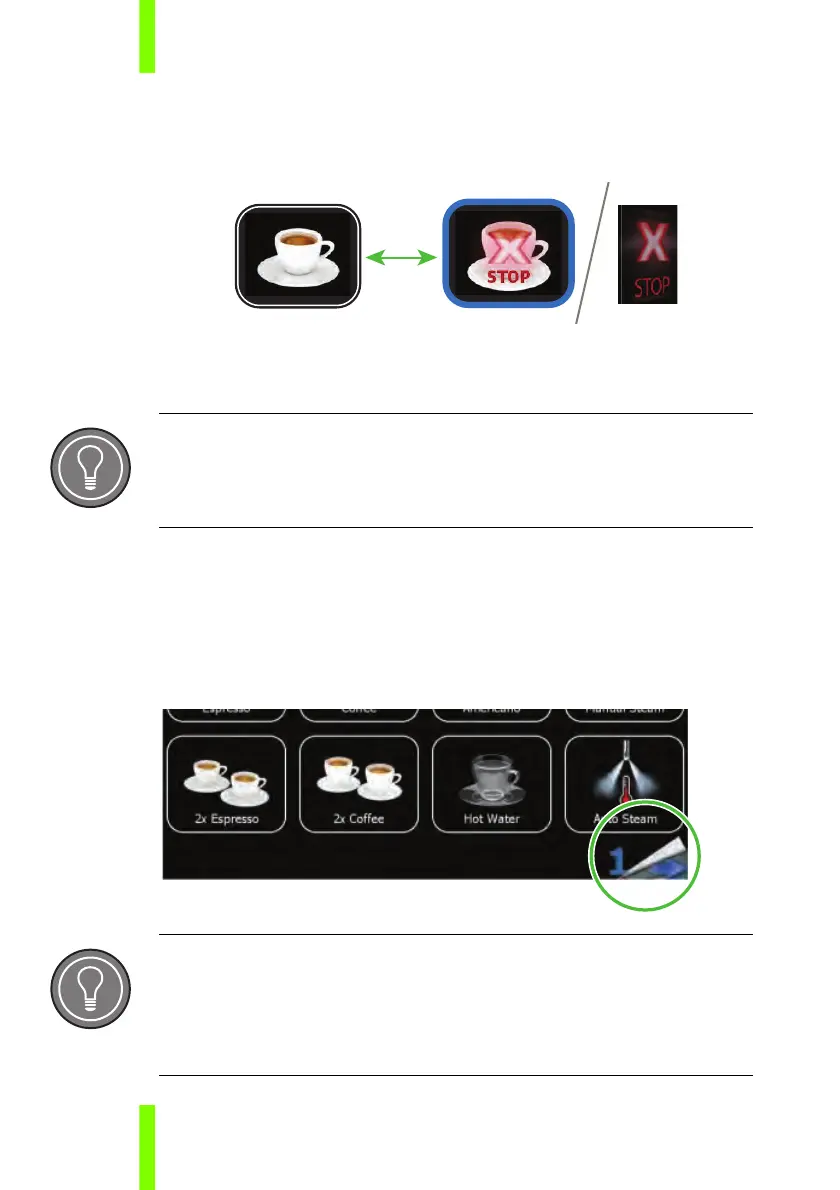
All product buttons are start/stop buttons. A product dispense can
always be stopped by pushing the selected button or by pressing
the general stop key.
2.2 BROWSE PRODUCT MENU
On each screen, up to 32 products can be programmed.
Browse the product menu using the page browse button on the
touch screen (appears only if more than one page is set in the dis-
play menu).
General Stop Key
The general stop key will stop all running products, as well as from outlet
left as from right.
Switching Back
Depending on the display menu settings, the touch screen switches back
to page one automatically after 10 seconds or manually by touching the
page browse button.











 To Next Page