36 Product Adjustments
3
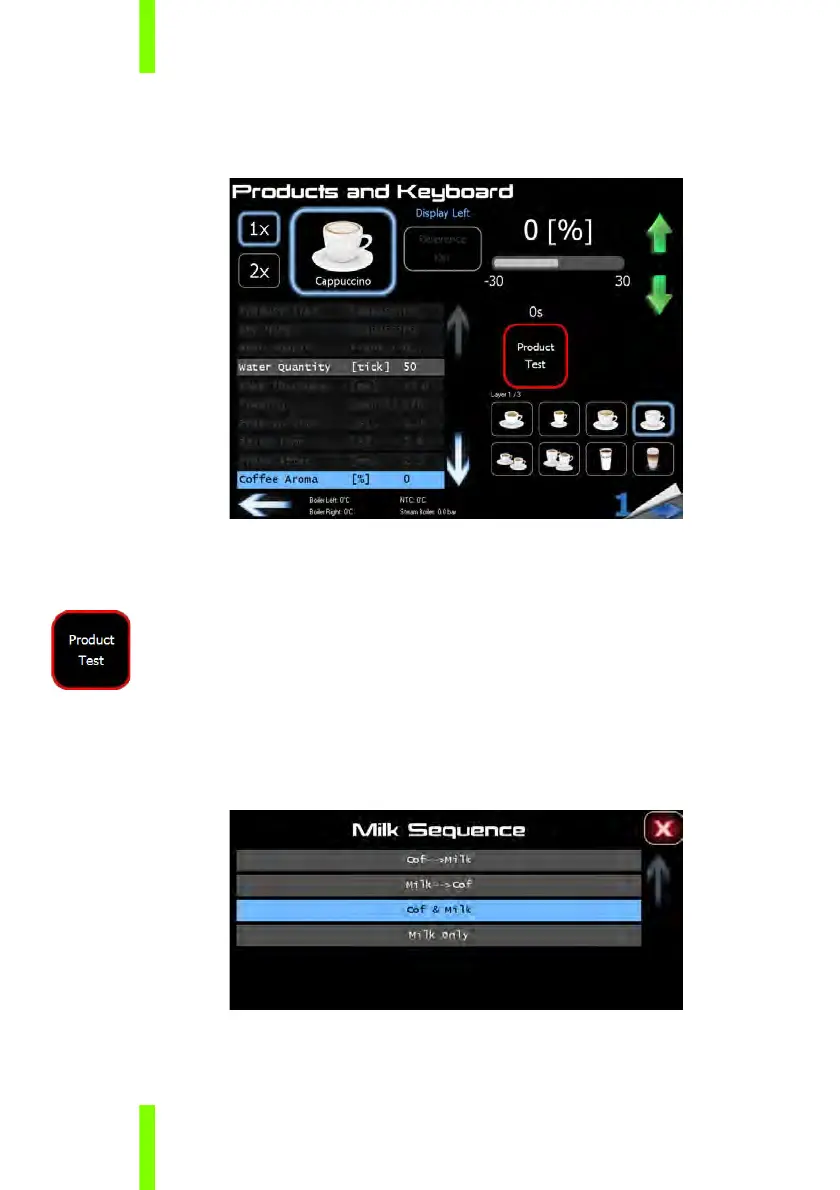
3.3 COFFEE AROMA
1 Select “Coffee Aroma”.
2 Use the green up/down arrows for the fine adjustments.
Increase coffee aroma = stronger coffee taste
Decrease coffee aroma = weaker coffee taste
3 Test the product by pushing the “Product Test” button.
3.4 MILK SEQUENCE
1 Select “Milk Sequence”.
2 Set the desired sequence by activating the touch bar.











 To Next Page