EVGA X58 SLI CLASSIFIED Motherboard
24
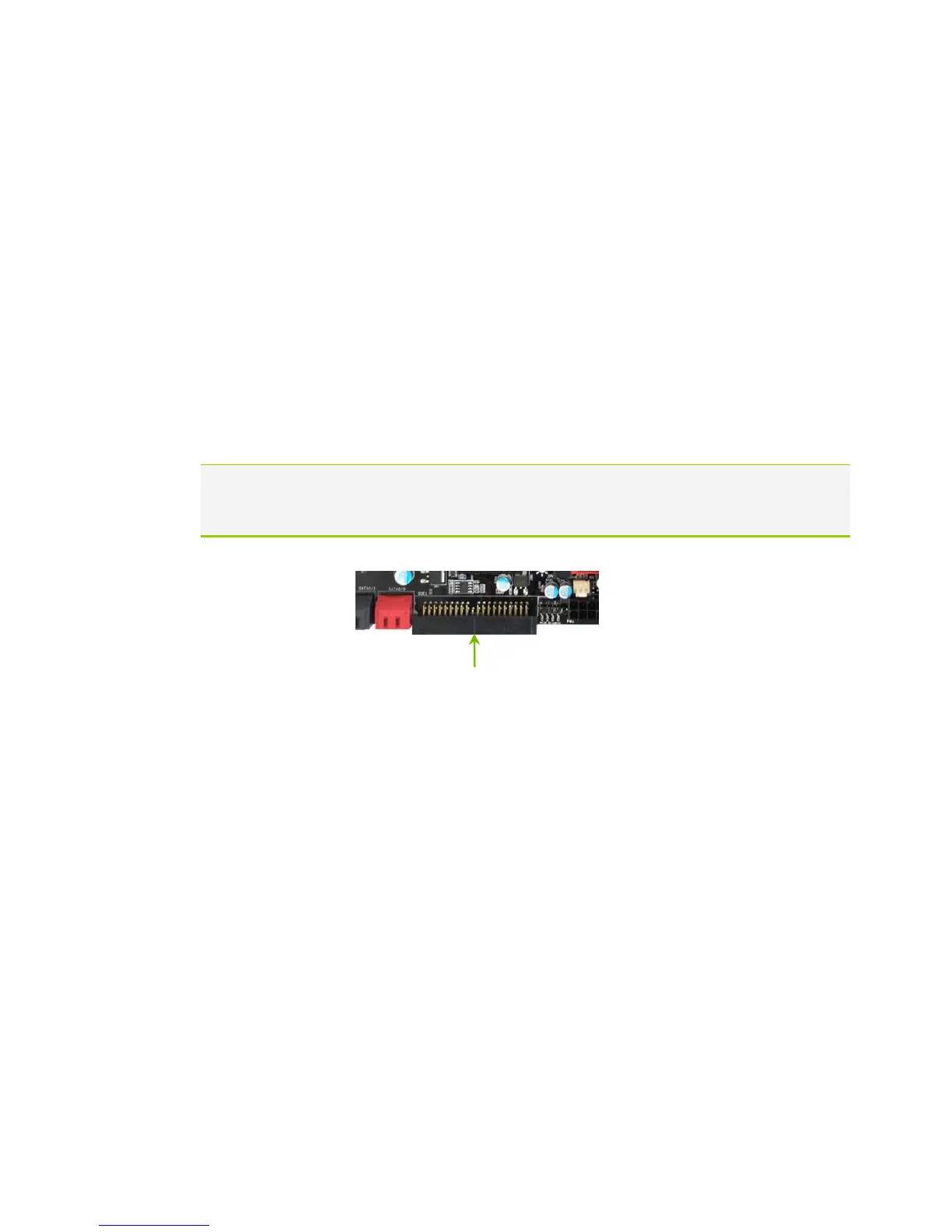
Connecting IDE Hard Disk Drives
The IDE connector supports Ultra ATA 133/100/66 IDE hard disk drives.
1. Connect the blue connector (the cable end with a single connector) to the
motherboard.
2. Connect the black connector (the cable with the two closely spaced black
and gray connectors) to the Ultra ATA master device.
3. Connect the gray connector to a slave device.
If you install two hard disk drives, you must configure the second drive as a
slave device by setting its jumper accordingly. Refer to the hard disk
documentation for the jumper settings.
If an ATA-66/100 disk drive and a disk drive using any other IDE transfer protocol are
attached to the same cable, the maximum transfer rate between the drives
may be reduced to that of the slowest drive.



 To Next Page