Hardware Installation
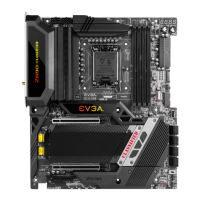
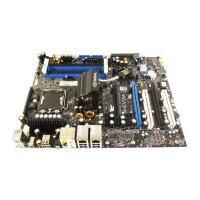
This section will guide you through the installation of the motherboard. The
topics covered in this section are:
Preparing the motherboard
Installing the CPU
Installing the CPU fan
Installing the memory
Installing the motherboard
Connecting cables
Safety Instructions
To reduce the risk of fire, electric shocks, and injury, always follow basic
safety precautions.
Remember to remove power off your computer by disconnecting the AC
main source before removing or installing any equipment from/to the
computer chassis.



 To Next Page