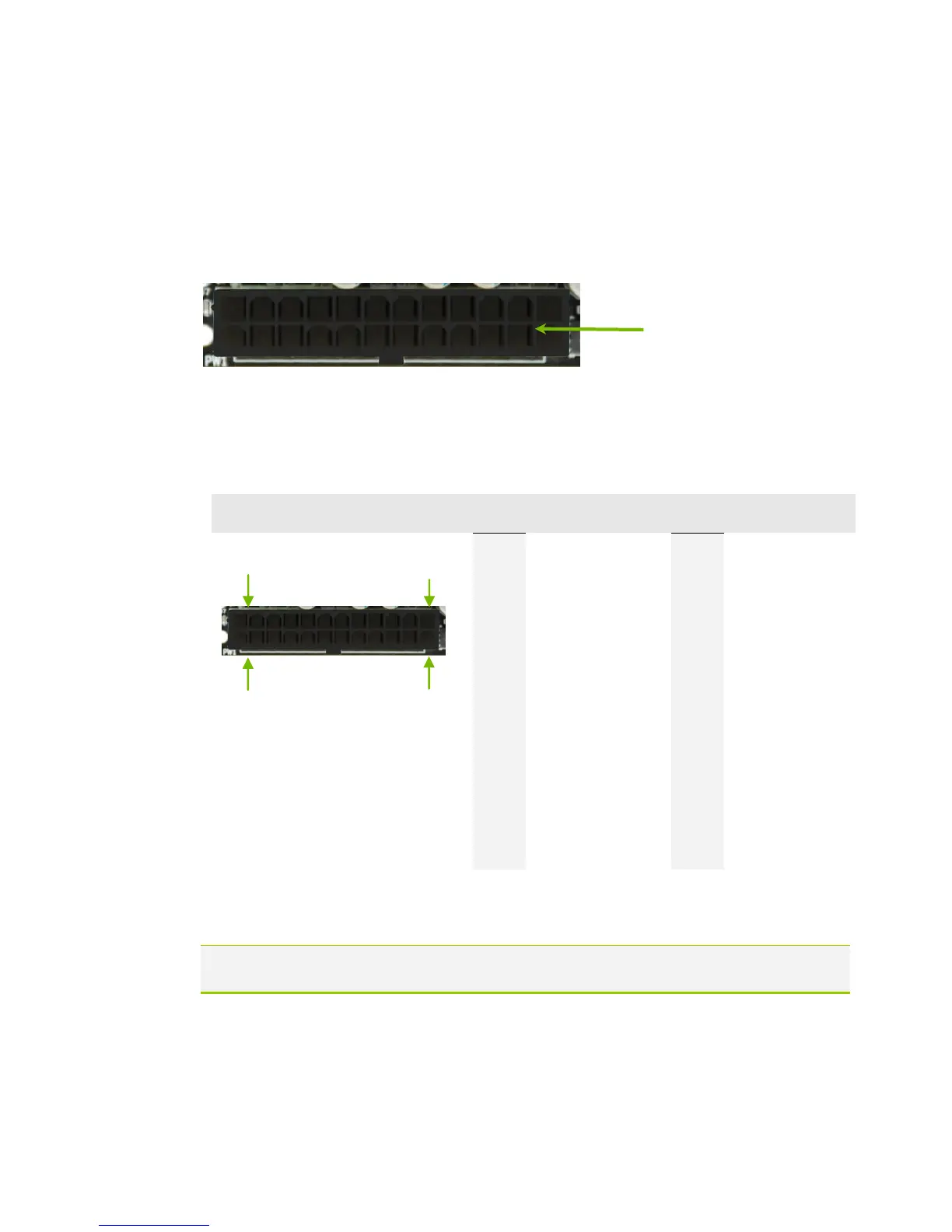
24-pin ATX Power (PW1)
PW1 is the main power supply connector located along the edge of the board
next to the DIMM slots. Make sure that the power supply cable and pins are
properly aligned with the connector on the motherboard. Firmly plug the power
supply cable into the connector and make sure it is secure.
Figure 1. PW1 Motherboard Connector
Table 1. PW1 Pin Assignments
8-pin ATX 12V Power (PW12)
PW12, the 8-pin ATX 12V power connection, is used to provide power to the CPU.
Align the pins to the connector and press firmly until seated.
Connecting Serial ATA Cables
The Serial ATA II connector is used to connect the Serial ATA II device to the
motherboard. These connectors support the thin Serial ATA II cables for
PW1 connector
Plug power cable from system
power supply to PW1



 To Next Page