PCI/PNP Resource Management
Select PCI/PNP Resource Management from the CMOS Setup Utility menu
and press Enter to display the advanced settings.
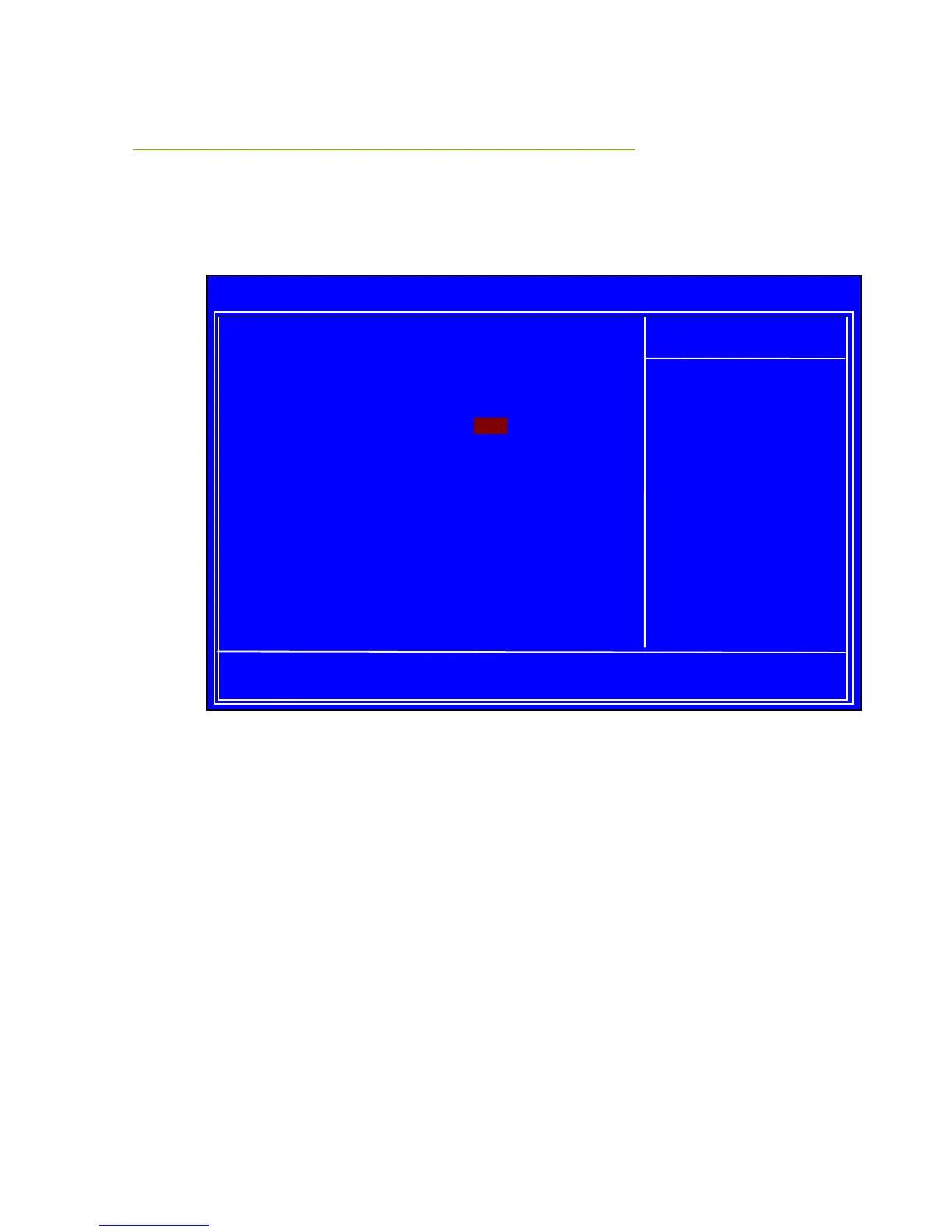
Figure 6. PCI/PNP Resource Management
Clear NVRAM
This function clears the NVRAM during System Boot.
Plug & Play O/S
This function sets whether the O/S or BIOS configures Plug and Play devices.
A setting of [No] is default.
PCI Latency Timer
This function sets the value in units of PCI clocks.
:Move Enter:Select +/-/:Value F10:Save ESC:Exit F1:General Help
F5:Previous Values F7:Optimized Defaults
Advanced PCI/PnP Settings
______________________________________________
WARNING: Setting wrong values in below sections
may cause system to malfunction.
Clear NVRAM [No]
Plug & Play O/S [No]
PCI Latency Timer [64]
Allocate IRQ to PCI VGA [Yes]
Palette Snooping [Disabled]
PCI IDE BusMaster [Enabled]
OffBoard PCI/ISA IDE Card [Auto]
IRQ3 [Available]
IRQ4 [Available]
IRQ5 [Available]
IRQ7 [Available]
IRQ9 [Available]
IRQ10 [Available]
Clear NVRAM during
System Boot.



 To Next Page