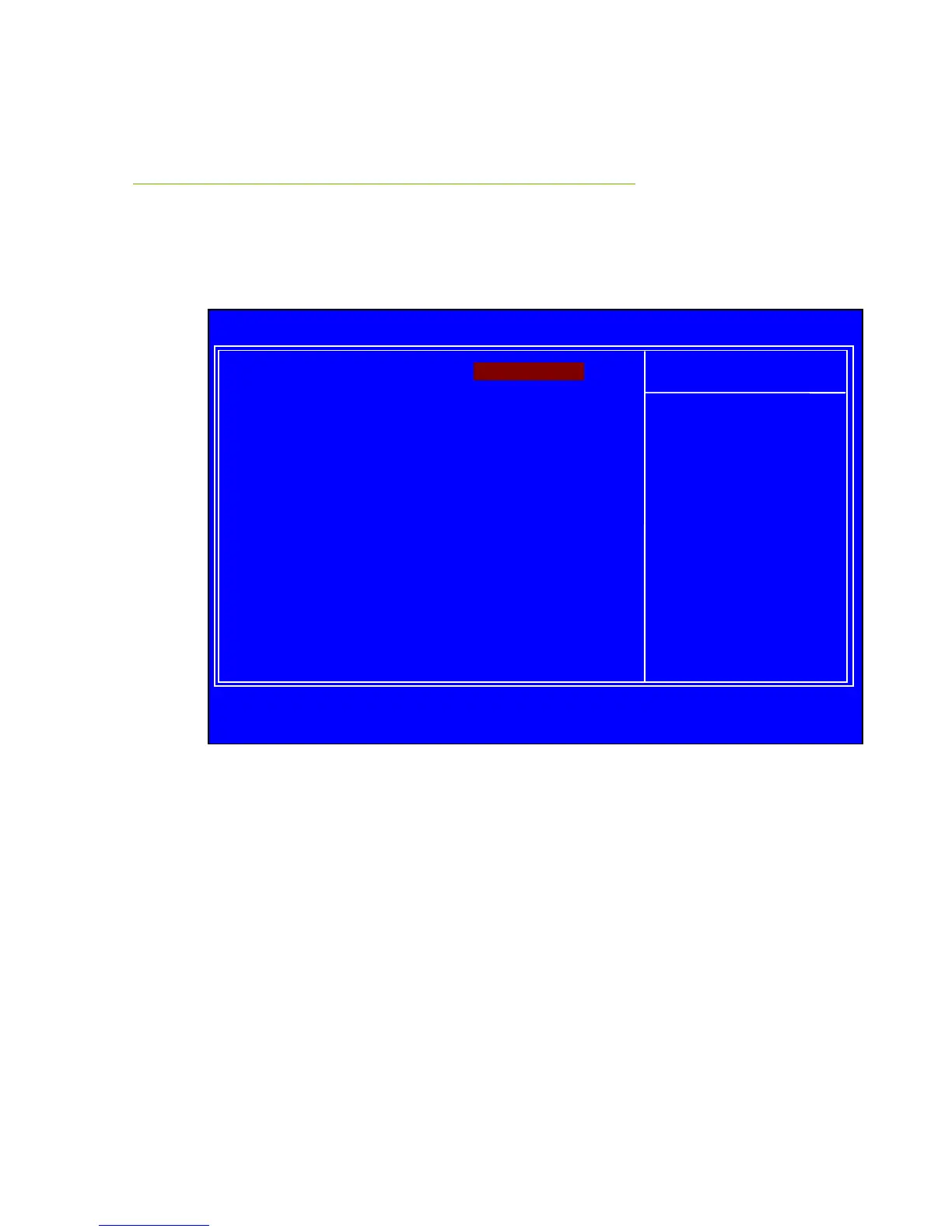
Boot Configuration Features
Select Boot Configuration Features from the CMOS Setup Utility menu and
press Enter to display the settings.
Figure 7. Boot Configuration Features
Boot Device Priority
This option menu will allow specification of the boot device priority sequence.
Hard Disk Drives
This option menu allows you specification of the Hard Disk boot priority
sequence.
:Move Enter:Select +/-/:Value F10:Save ESC:Exit F1:General Help
F5:Previous Values F7:Optimized Defaults
:Move Enter:Select +/-/PU/PD:Value F10:Save ESC:Exit F1:General Help
F5:Previous Values F6:Fail-Safe Defaults F7:Optimized Defaults
Boot Device Priority [Press Enter]
Hard Disk Drives [Press Enter]
CD/DVD Drives [Press Enter]
Specifies the
Boot Device
Priority sequence.



 To Next Page