EVGA X299 Micro (131-SX-E295)
- 111 -
Th
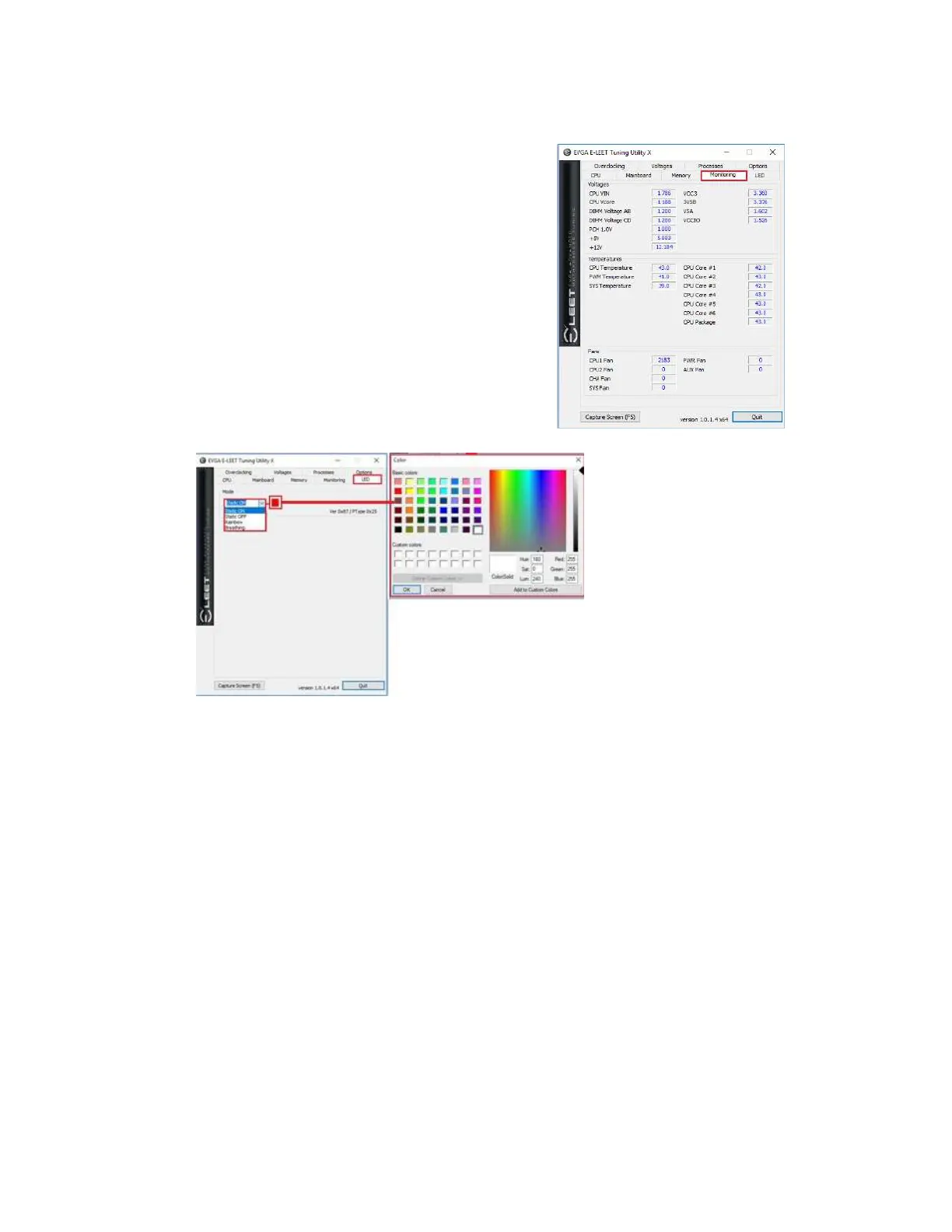
e next tab is “Monitoring,” which is an overview
of temperatures and voltages in real-time. Please
note that all readings on this page are pulled from
motherboard sensors, and can change at any time.
Temperatures and voltages are measured at fixed
intervals, which can often make the readings appear
to jump back and forth. Furthermore, voltages on
modern motherboards are sometimes directly
adaptive based on load; voltage readings *WILL*
change based on usage, which is normal. Although
E-LEET does offer functionality that will directly
affect temperature and voltage readings, that
functionality does not exist on this page. To adjust
voltages within E-LEET, please see Page 113 for
the Voltage tab information.
The next tab is “LED,”
which allows adjustments
to the onboard LEDs,
Heatsink LEDs, and Cover
LEDs. To set display
behavior, click on the
pulldown button under
“Mode.” Select the mode
you wish to set color(s) for;
the change will update and
apply immediately.
To set display color, click on
the small color box next to
the pulldown button. A color menu will open, similar to the menu found in Precision
XOC for selecting and creating colors. Choose a color from the list or create a custom
color from the pop-up palette and click “OK”.



 To Next Page