EVGA X299 Micro (131-SX-E295)
- 65 -
Str
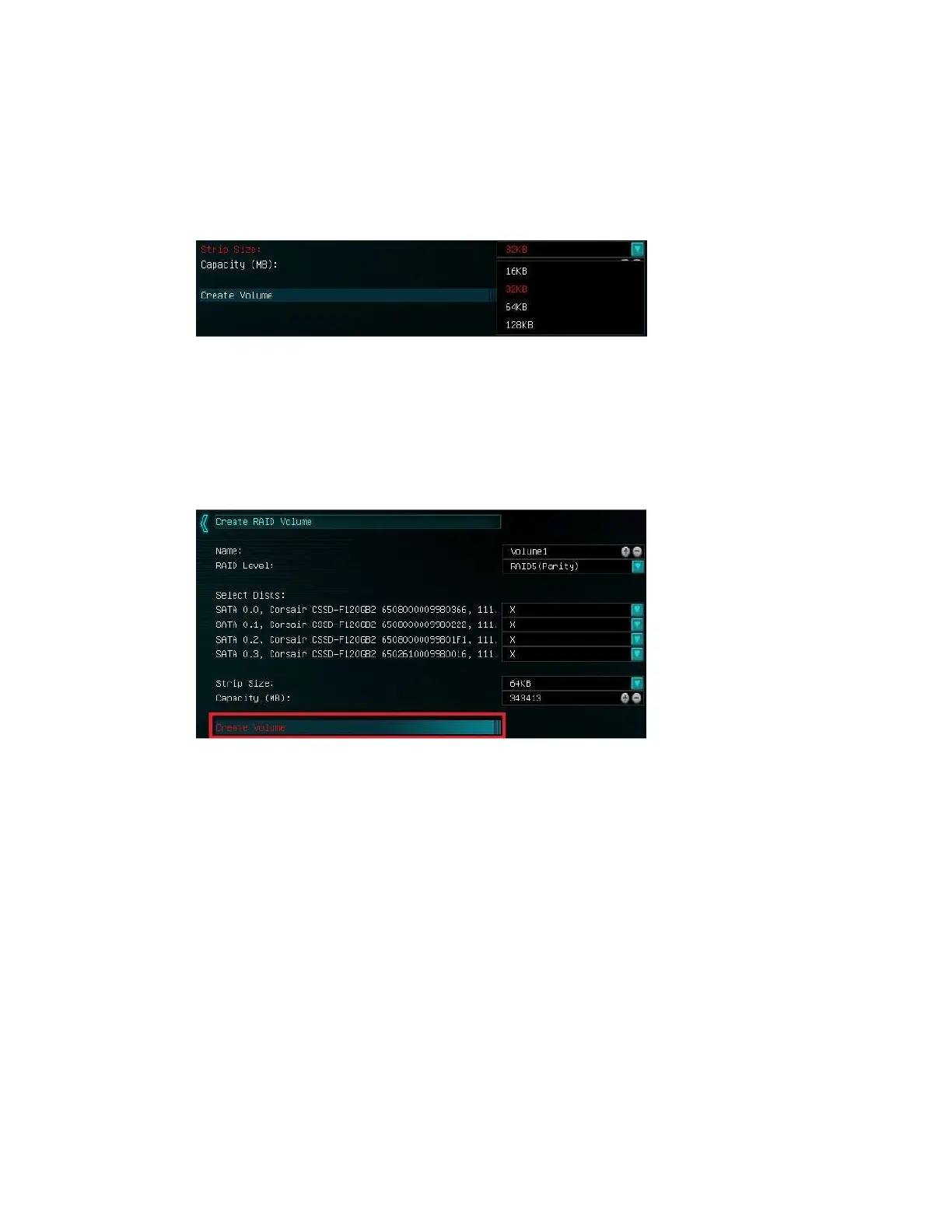
ip size (also called “block size” in other controllers) can be selected manually at 16k,
32k, 64k, or 128k. The controller will determine the default strip size after looking at
your drives and array type. Although there are some limited instances where this must
be set manually, it is highly recommended to leave this at default.
The controller defaults the capacity to the maximum available space for the RAID.
Leaving the capacity at default is recommended because reducing the size is not
beneficial, except in limited cases.
To complete the setup process, please select “Create Volume” at the bottom of the
page. Depending on the array type, drive type, and volume this can take a few seconds
to a few minutes.
Once the array is completed you will see the text shown on the next page, or something
similar based on the array type and drives used. At this point, the array is ready to use.



 To Next Page