EVGA X299 Micro (131-SX-E295)
- 72 -
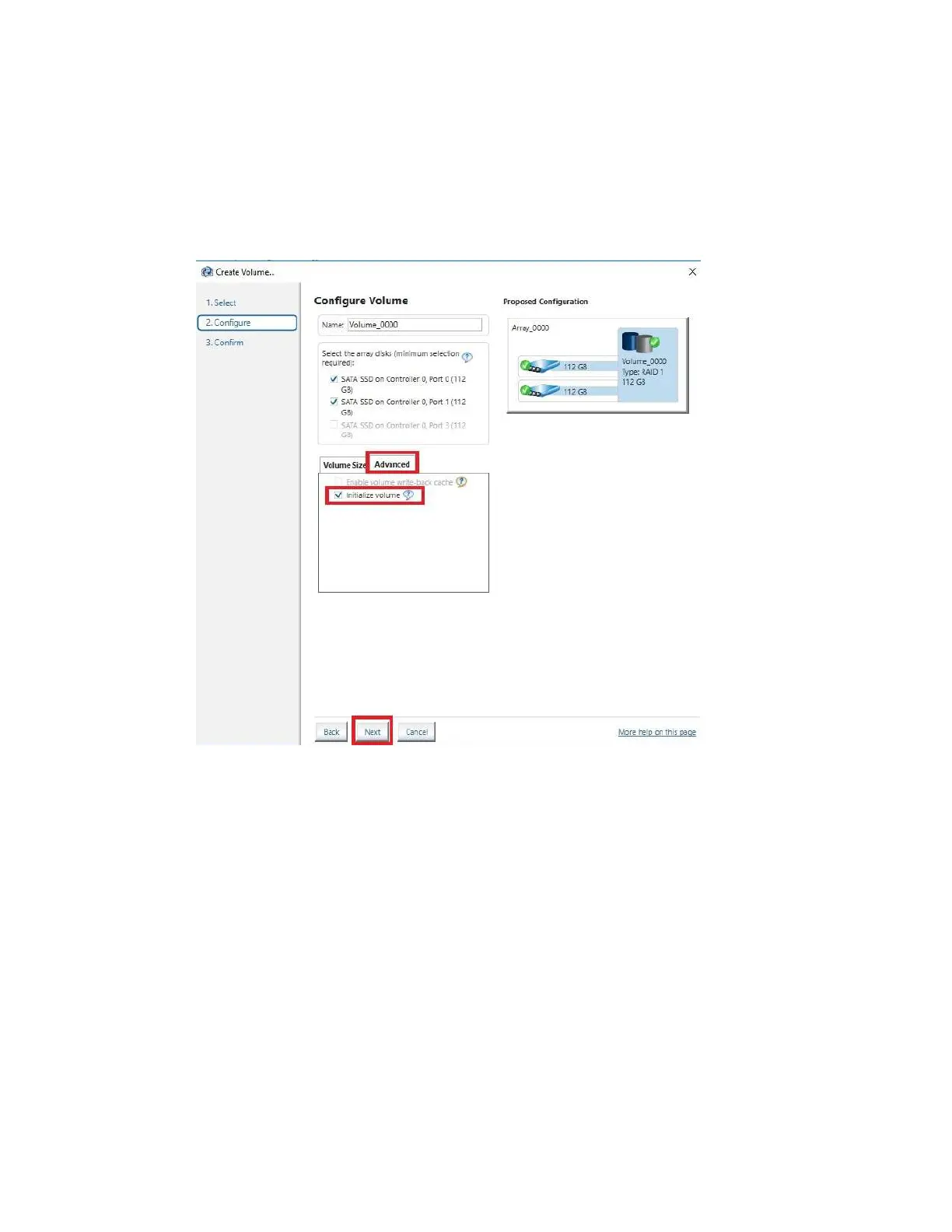
In
the Advanced tab, you can select the option to “Initialize Volume,” which will occur
after the array is created. If the array is not initialized now, it can be initialized later in
“Disk Management.” See Page 79 for Disk Management instructions.
When done, click “Next” at the bottom.



 To Next Page