EVGA X299 Micro (131-SX-E295)
- 73 -
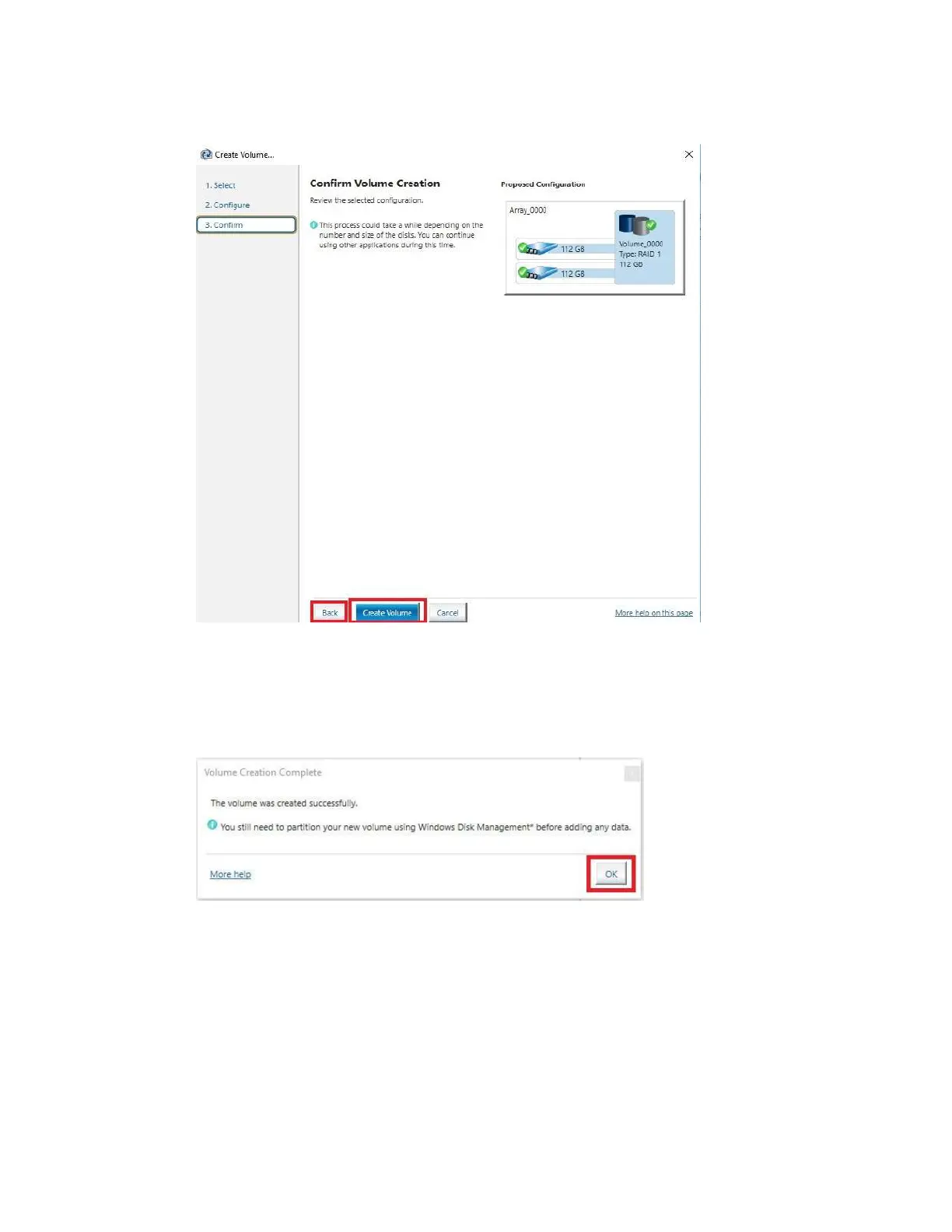
Re
view the summary provided on the confirmation screen. If you are unsure about any
selections made, click the “Back” key and make your corrections. When ready, click
“Create Volume” at the bottom. This typically takes between a few seconds to a couple
minutes depending on the size and complexity of the volume. Once finished, you will
see the message below. The array is now ready to be partitioned, formatted, and used.



 To Next Page