- 13 -
Installing System Memory (DIMMs)
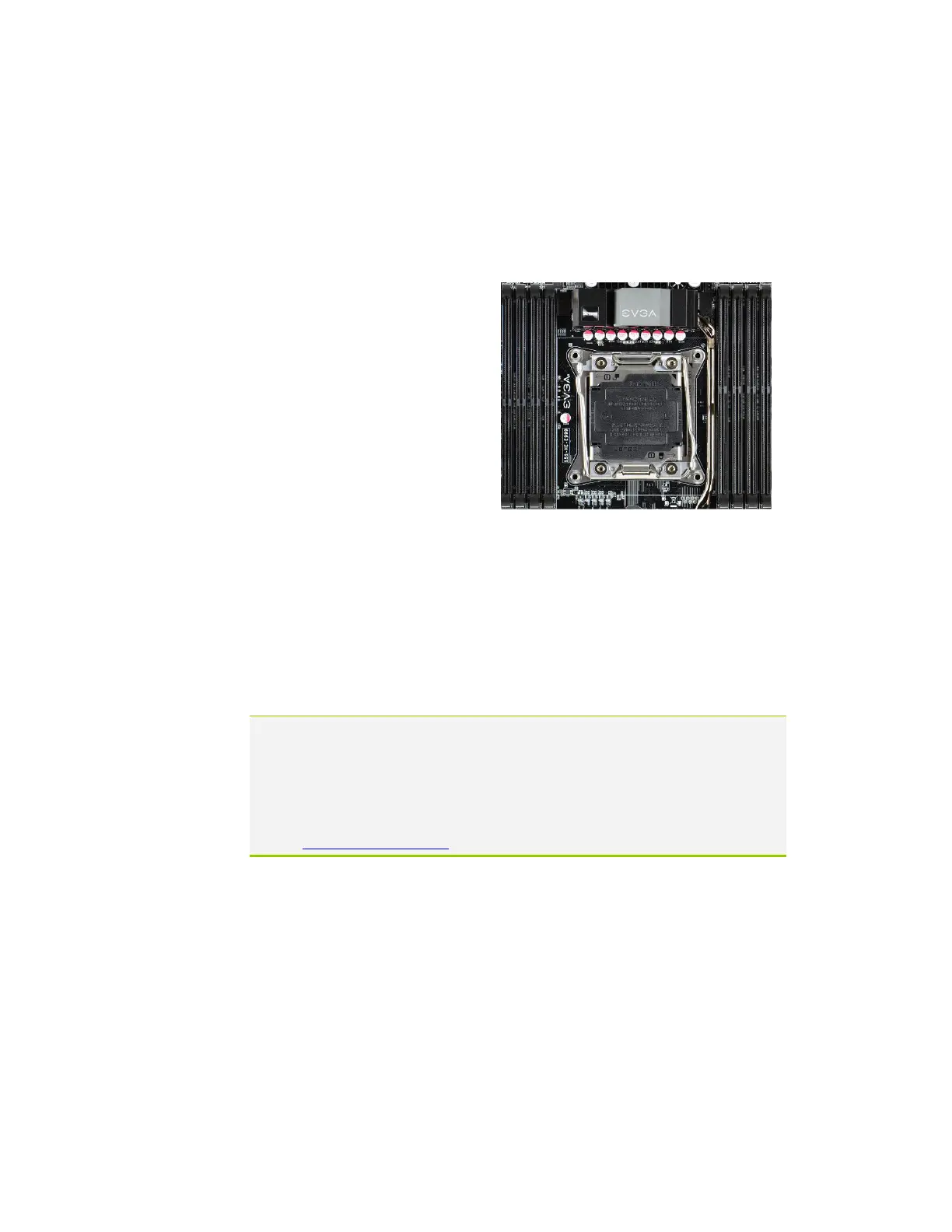
Your X99 FTW has (8) 288-pin slots for DDR4 memory. These slots support
2GB, 4GB, 8GB and 16GB DDR4 DIMMs. There must be at least one
memory slot populated to ensure normal operation.
The Intel X99 chipset supports quad channel memory; supports a maximum of
128GB of DDR4 and up to
3000MHz+ (OC) in quad channel
configuration. It is required to
populate an odd slot (1, 3, 5, 7)
first. The board will not boot if
only even slots (2, 4, 6, 8) are
populated.
Use the following procedure to
install DIMMs. Note that there is
only one gap near the center of the
DIMM slots. This slot matches the
slot on the DIMM to ensure the component is installed properly.
Unlock a DIMM slot by pressing the module clips on both sides
outward.
Align the memory module to the DIMM slot, and insert the module
vertically into the DIMM slot, pressing straight down to seat the
module. The plastic clips at top side of the DIMM slot automatically
lock the DIMM into the connector.
Note: The memory controller on most Haswell-E and Broadwell-E CPUs runs at a
default frequency of 2133MHz. To achieve memory speeds above 2133MHz+
may require manual setting of the memory timings, frequency and voltages
and/or overclocking of the CPU.
Refer to the memory manufacturer specifications for the recommended
memory timings. For overclocking support you can visit our forums:
http://forums.evga.com/



 To Next Page