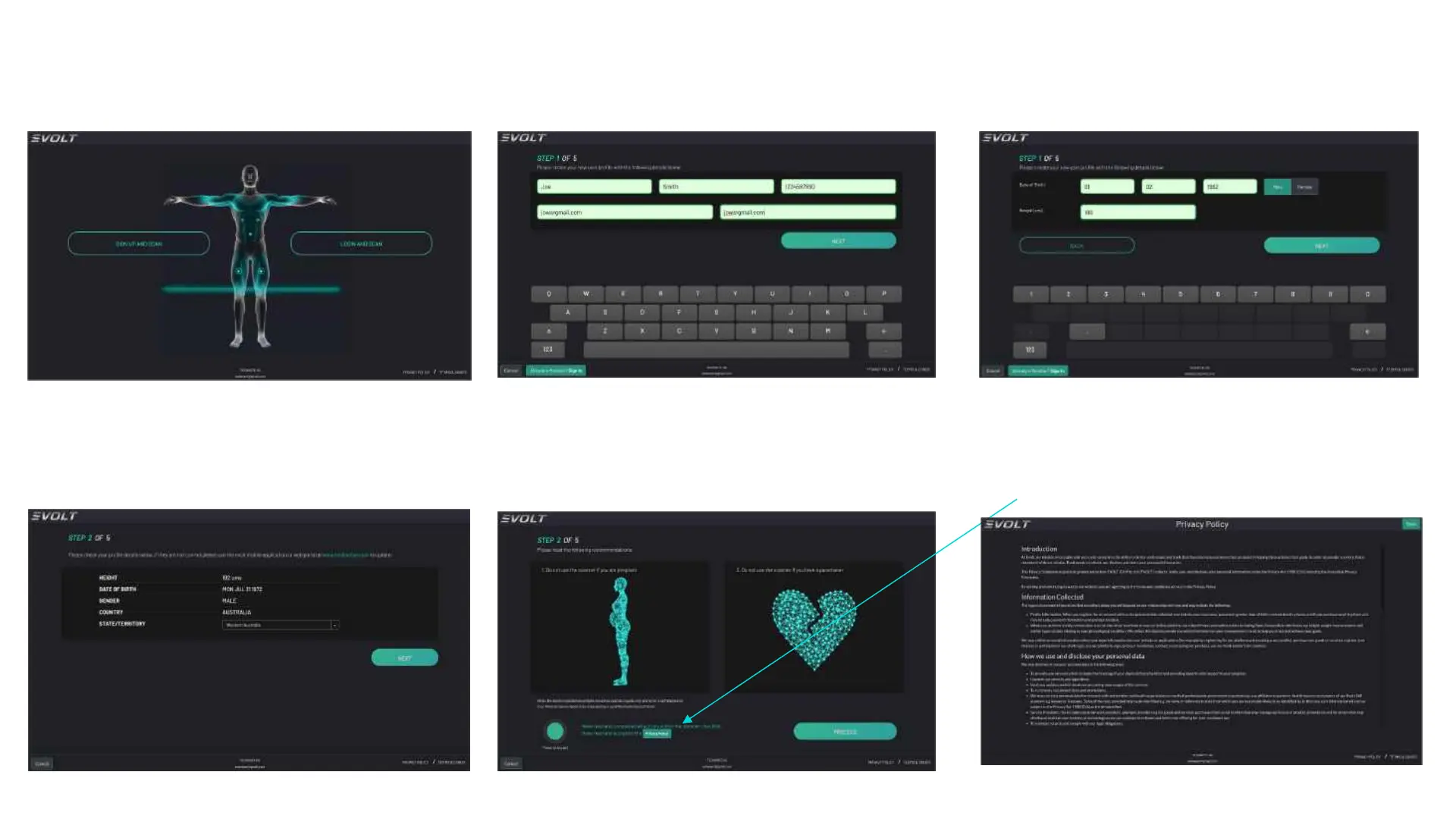
• Click ”Sign up and Scan”
MEASUREMENT
• Enter your first name, last name,
mobile phone number and email twice
then click “Next”
• Enter your date of birth, gender and
height and click ”Next”
• Confirm your entered details then click
“Next” if correct
• Confirm that you are not pregnant or
where a pacemaker device then click
“Next”
• Terms & Conditions are available to
view prior to accepting the scanning
process.
24



 To Next Page