Arm] function.
In setup state, use keypad to input [61], then choose the corresponding
defense zone number [01~99], then choose [Home Arm], and then
choose whether alarm [0/1] button, and finally press [#] to confirm. The
main unit will make a long beep and a voice prompt “setting completed”.
Operating method: [61] [XX] [A] [#]
XX indicates: [01~99] is defense zone 1 to defense zone 99
A indicates: [0] Home arm but not alarm
[1] Home arm and alarm
For example: set defense zone 11 to be Home arm and alarm
Operating method: [61] [11] [1] [#]
For example: set defense zone 12 as Home arm but not alarm
Operating method: [61] [12] [0] [#]
Voice Recording
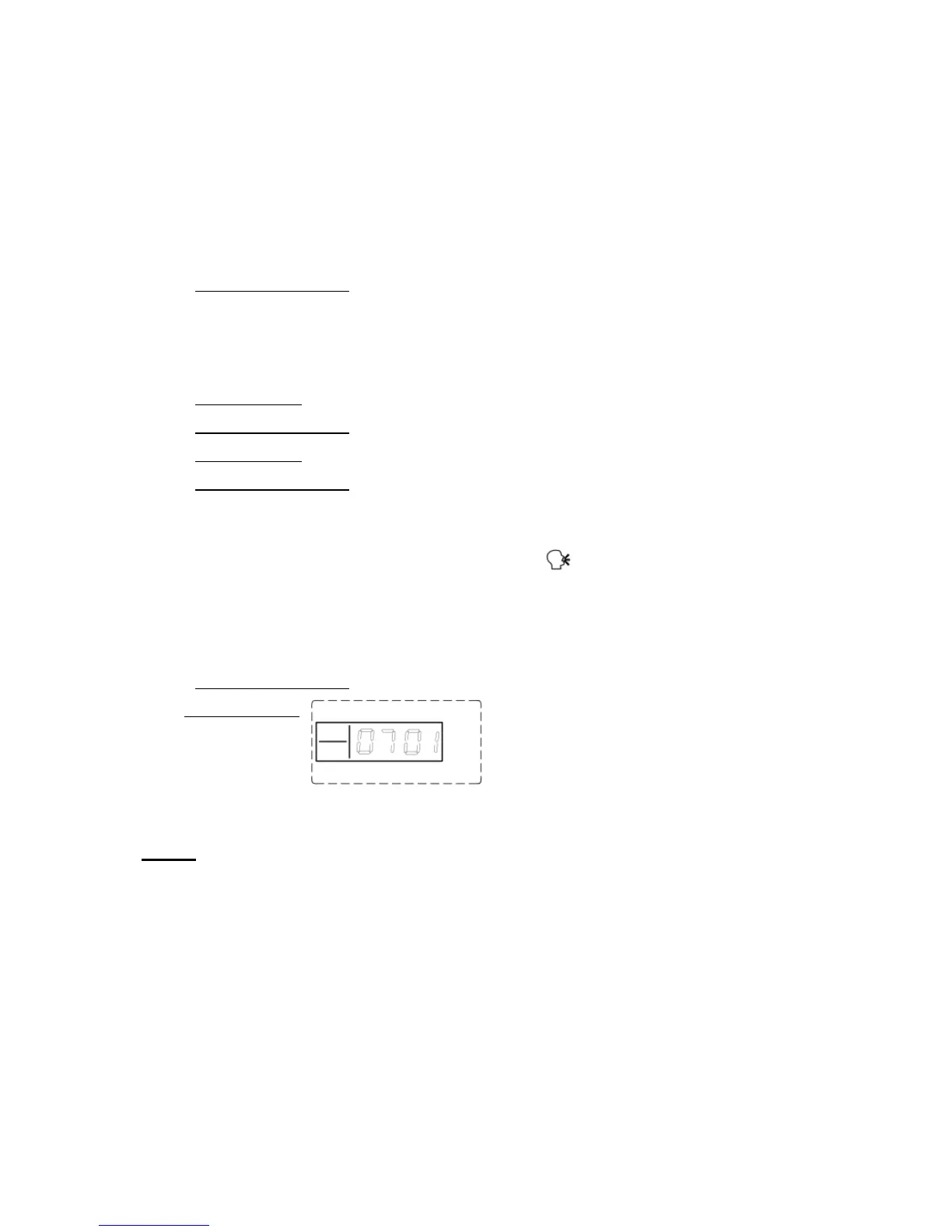
In setup state, use keypad to input [701], and then press [#] to confirm.
The main unit will emit a beep and the [ ] indicator is on, and after
10 seconds countdown, recording starts: record at 30cm away from the
main unit with moderate tone; 10 seconds later, the main unit will make a
beep indicating the recording stops and the recorded voice will replay.
Operating method: [701] [#]
LCD display:
How to code the alarm control panel with the flash siren
Note: We have coded the alarm host with the siren in the kits
already before delivery, so there is no need to recode before use.
If you meet any problem, please follow the instructions below to recode:
1. Connect the control panel to AC Adaptor and the siren will sound a beep.
This confirms connection is successful.
2. There is a small black shaft at the back of the siren. Press the black shaft,
which will produce a long beep; the process of code checking is now


 To Next Page