ready. Then trigger the emergency/alarm button on the alarm host.
3. Please press the black shaft again to exit.
How to delete all coded information
If you need to delete coded information, just press the black shaft for
two seconds, a long beep will sound confirming deletion. Then the
connection of the siren and the alarm will be deleted. You need to
code them again.
Siren Setting
In setup state, use keypad to input [75]; in the operation of arm/ disarm by
remote control, select if the siren sounds or not by [0/1] button, and then
press [#] to confirm. The main unit will emit a long beep and a voice
prompt “setting completed”.
Operating method: [75] [A] [#]
A indicates: [0] Siren off; [1] Siren on; System default: [0] Siren off
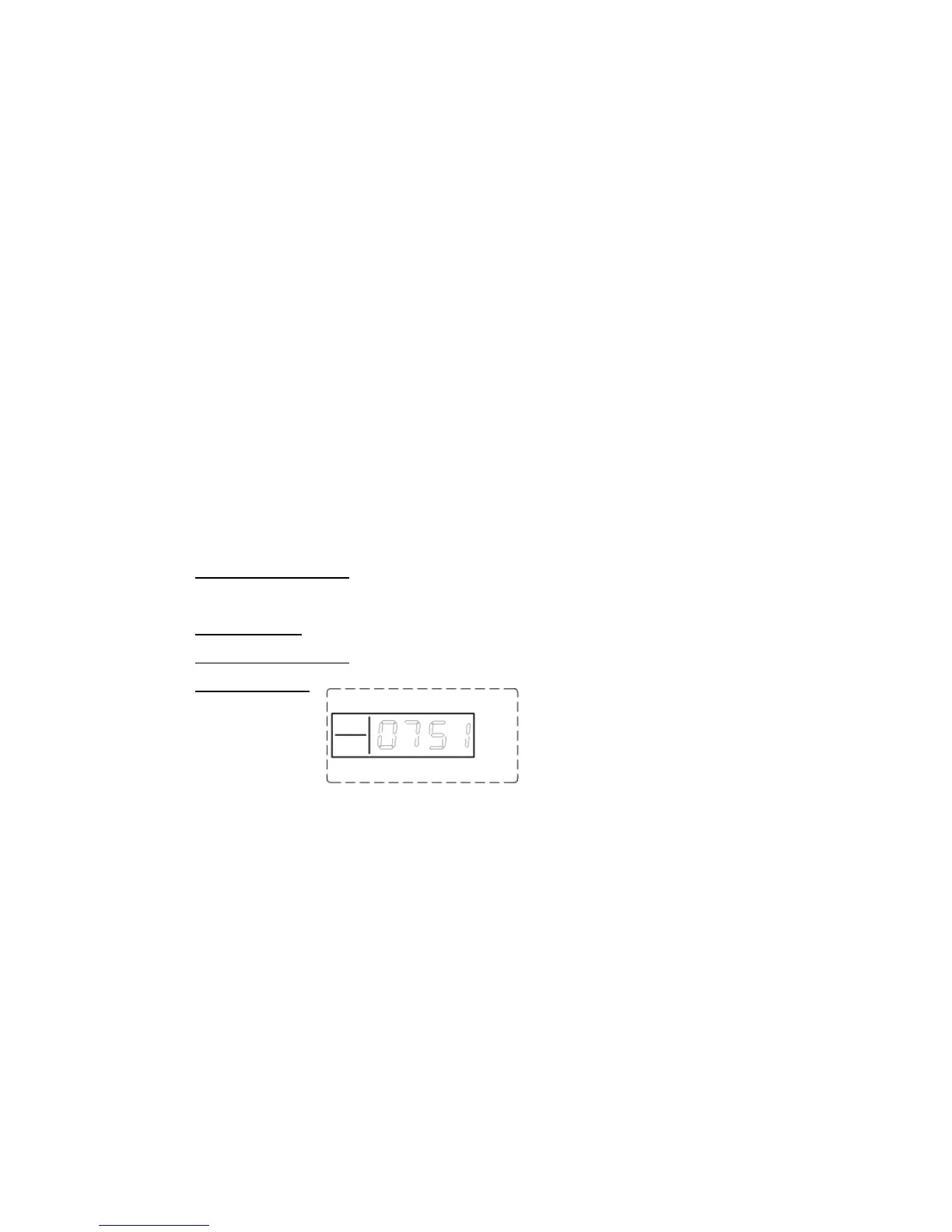
For example: set siren on when arm/ disarm
Operating method: [75] [1] [#]
LCD display:
Siren Setting in “Emergency Help” mode
In setup state, use keypad to input [76], and then [1/0], finally press
[#] to confirm. The main unit will make a long beep and a voice
prompt “setting completed”.
Operating method: [76] [A] [#]
A indicates: [0]: siren off in “Emergency Help” mode
[1]: siren on in “Emergency Help” mode
System default: [0] siren off


 To Next Page