After the call, press [ ] button again, the main unit will be in disarm
status.
Alarming Record Checking
In disarm state, input [*0#], then the main unit will make a long beep and
enters the state of alarm record checking. After displaying the alarm and
defense zone number indicator, the LCD screen will display the exact
alarming time of this defense zone. Press 2, you can upturn to check the
previous alarming record; press 8, downturn to check; and press [*#] to
exit checking.
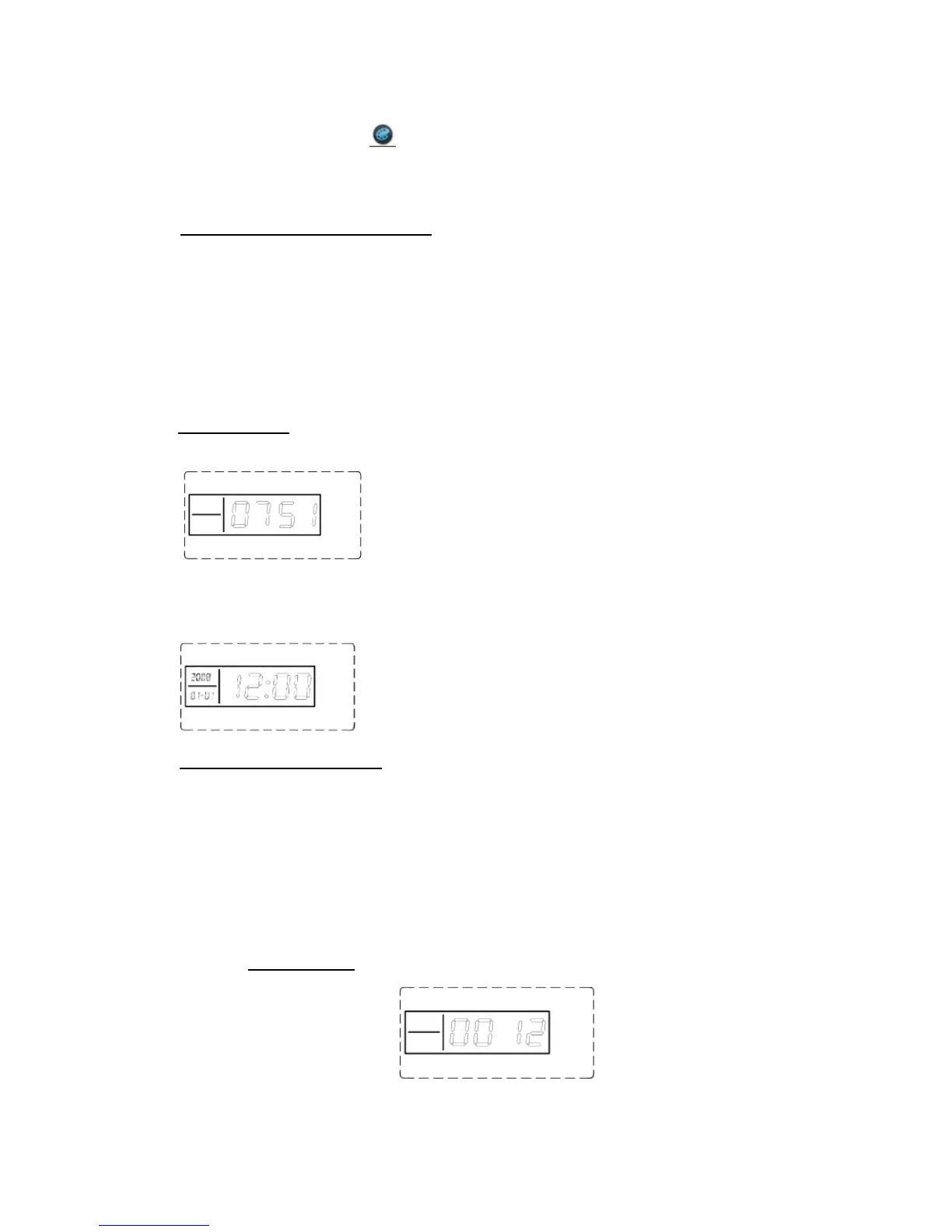
For example: the 51st defense zone; the 7th alarming; alarming time:
12:10, August 1st, 2008. LCD display for one second,
and then display the alarming time:
GSM Signal Checking
Before installing the main unit, you should check the signal of the
installing place in order to ensure the unit can perform well. In setup
state, input [81] #, the main unit will make a long beep and display
00+XX (XX indicates the intensity of the signal). And the intensity
should be within the range of 07-31; if it’s less than 07, you should
change place.
For example: if the signal intensity is 12, it will display as:


 To Next Page