Network Camera
11
View Angle
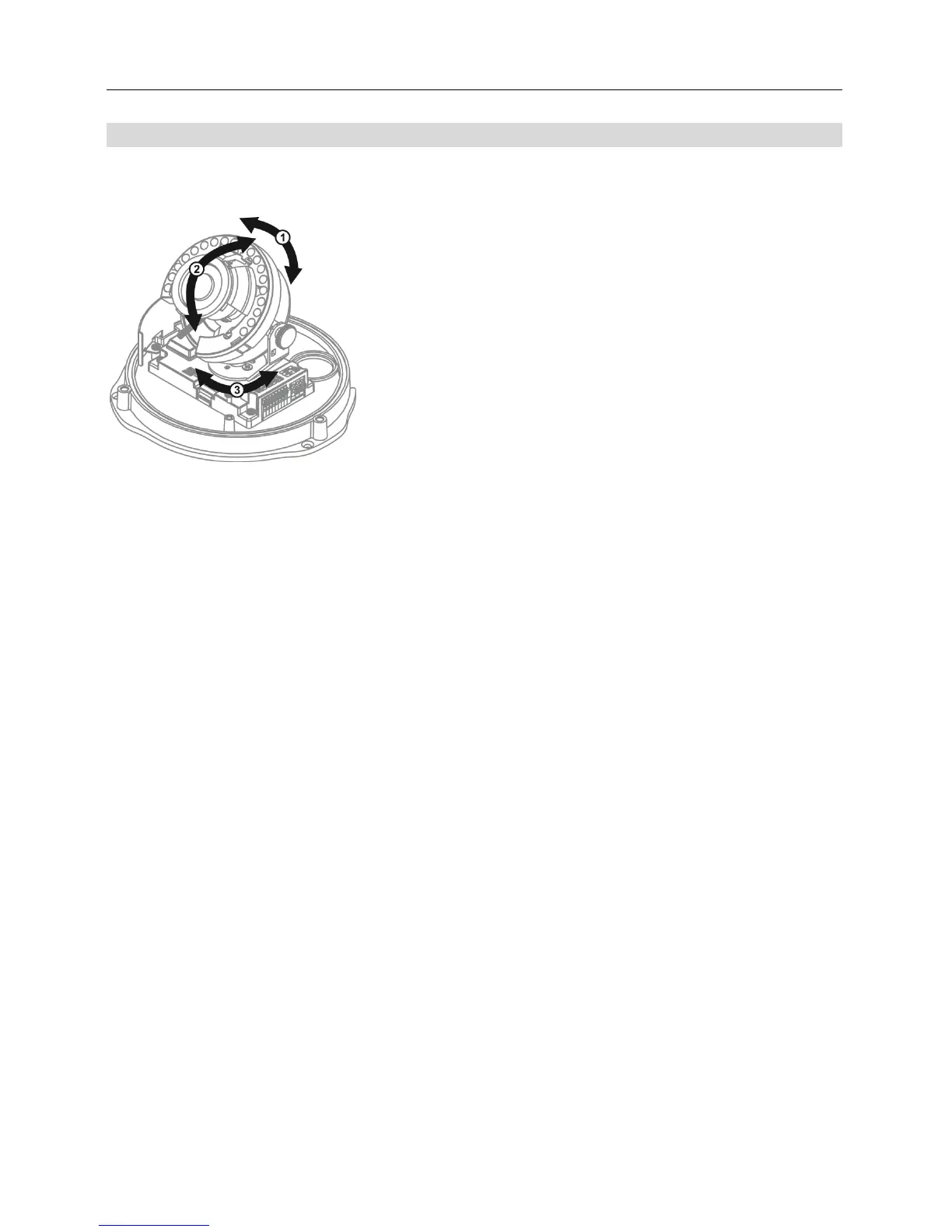
Three-axis lens positioning is supported.
① Rotation: Adjusts the rotation angle. Move the rotation
base clockwise or counterclockwise.
② Tilt: Adjusts the tilt angle. Loosen the tilt adjustment screws,
move the lens up and down and tighten the screws to lock
the angle.
③ Pan: Adjusts the pan angle. Turn the pan base clockwise
or counterclockwise.



 To Next Page