User’s Manual
22
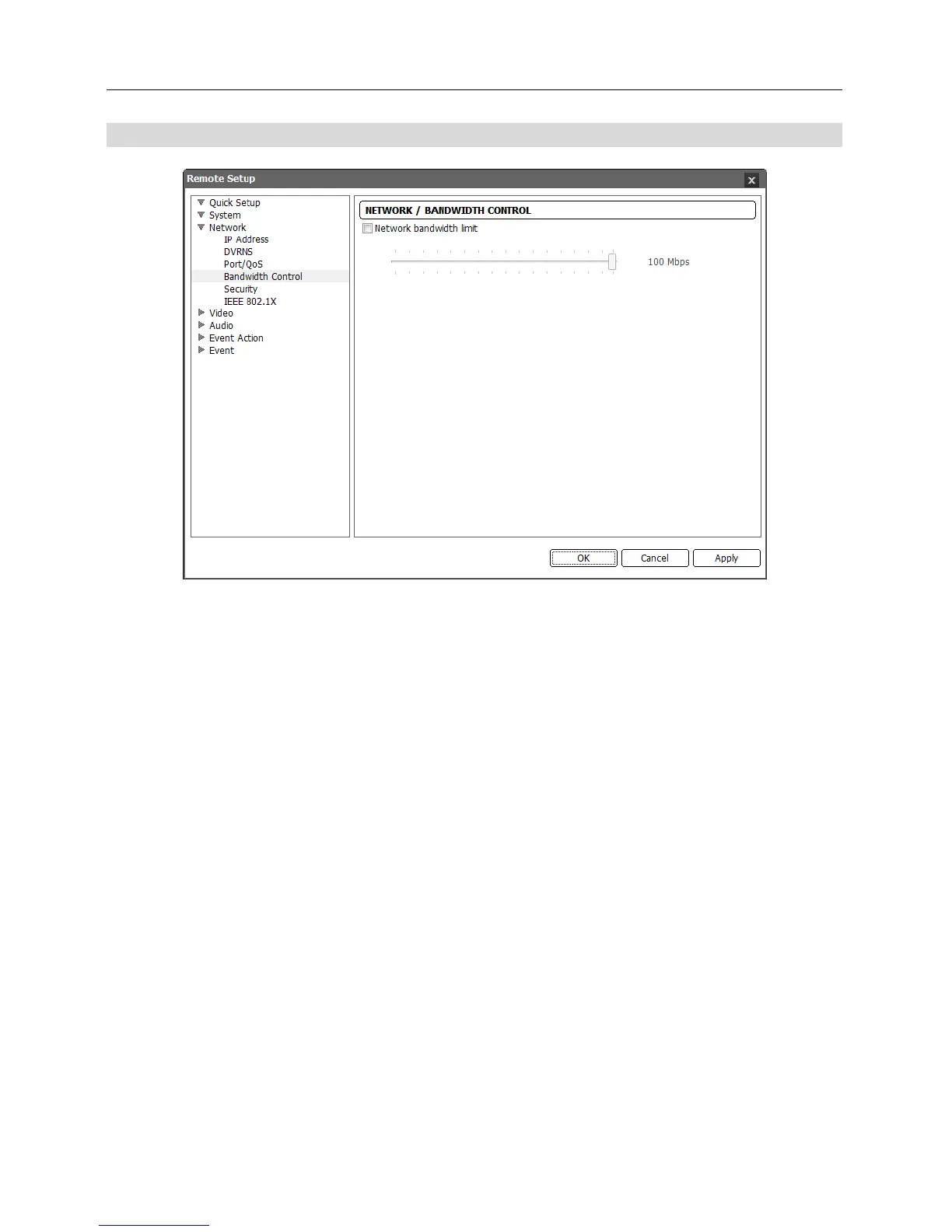
Bandwidth Control
You can control the network bandwidth by limiting the network bandwidth of the camera depending
on the network traffic.
Check the Network bandwidth limit box and set the desired maximum bandwidth. When the
network is busy with traffic, the camera cannot use more than the maximum bandwidth.
NOTE: When limiting the network bandwidth, the frame rate might decrease to lower than the
frame rate set during the Video – Streaming setup.



 To Next Page