Network Camera
29
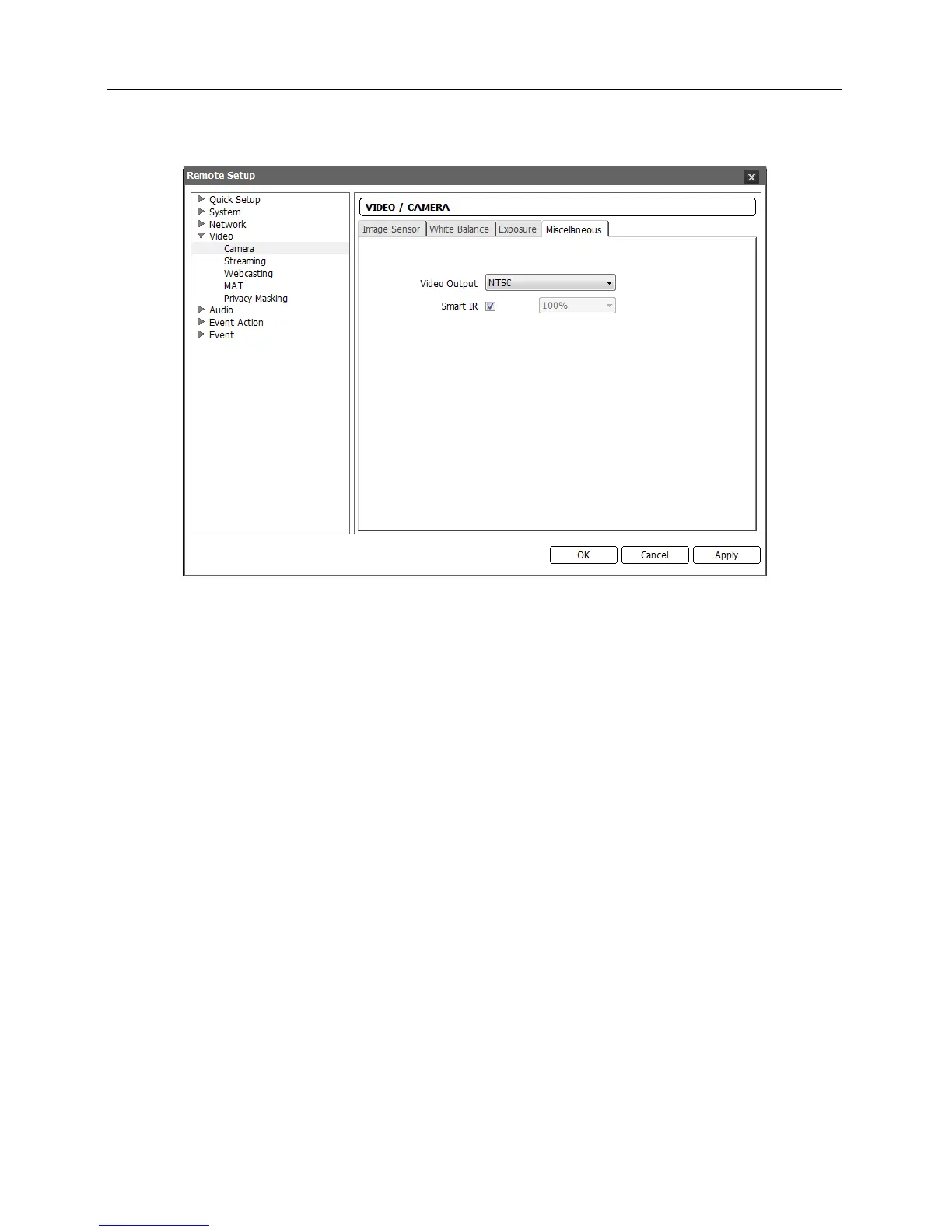
Miscellaneous: Click the tab to set up other settings.
Video Output: Select t
he video signal for video output.
Smart IR: Set the brightness of the IR LED (IR LED supported model only). Check the box
to adjust the brightness automatically. The sensor in the middle of IR LEDs detects illumination.
Uncheck the box to set the brightness manually. The higher the value is set, the brighter it is.



 To Next Page