22
©2018, Industrial Test Systems, Inc. Printed in USA
ACRYLIC CALIBRATION KEY
READ RESULT &
RECORD
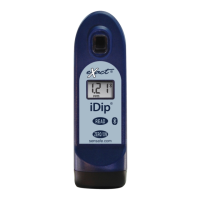
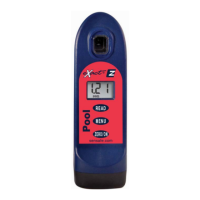
Result is displayed on the Pool
eXact
®
EZ. Record value below.
For additional tests, repeat
steps 4-6.
Expect the result to be within
0.15 units from previous
calibration. If variation is
greater, please re-check your ZERO procedure
(steps 3-4 on page 10) and be sure to use clean
water (deionized or distilled if necessary).
The Acrylic Calibration Key is a tool for verifying the
calibration of your Pool eXact
®
EZ Photometer compared to
its original factory settings. Run this test immediately upon
receipt and record value for future reference. Follow steps
1-4 on page 10 (do not use cap during ZERO). Then, follow
the remaining steps below.
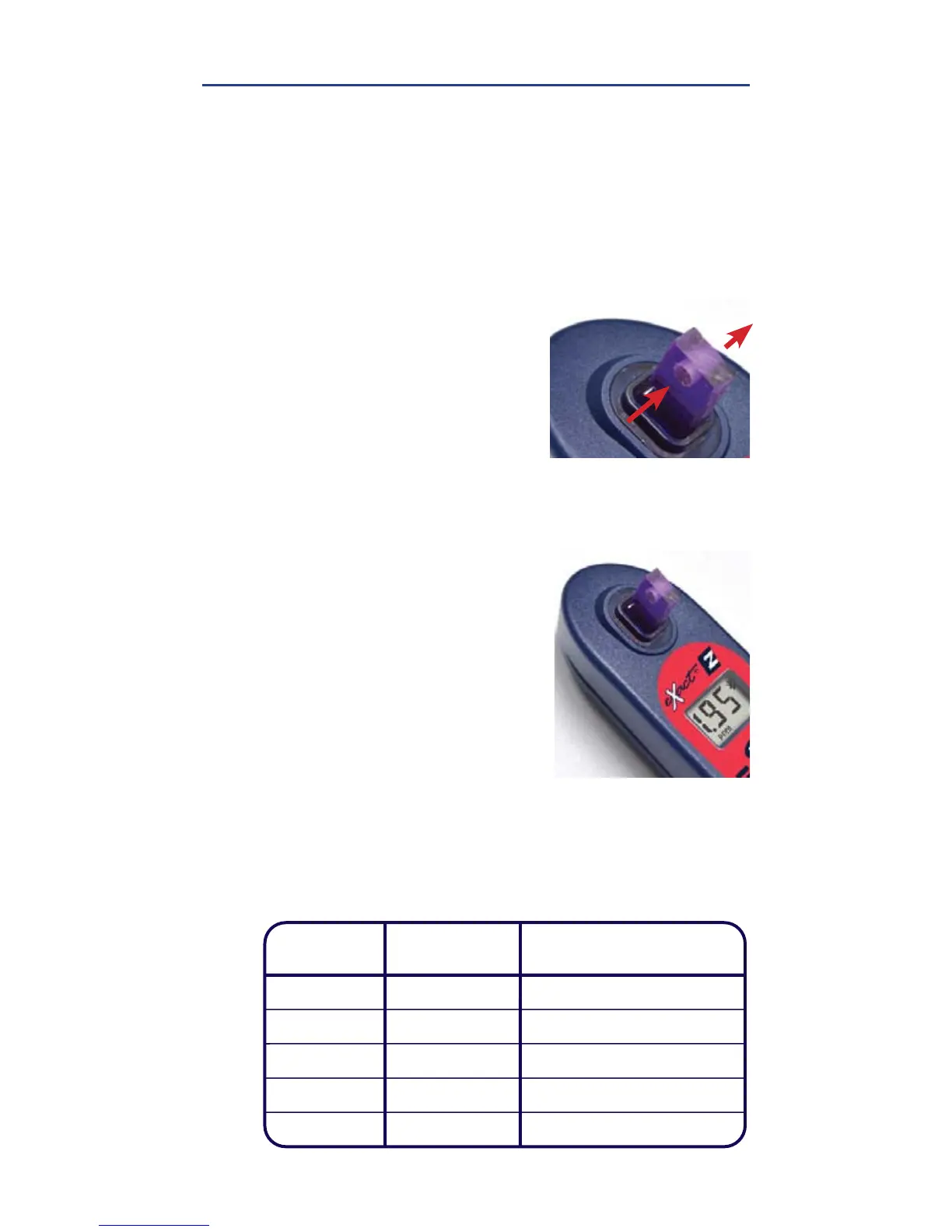
DIP KEY AND PRESS
READ
Place the Acrylic Calibration
Key into the water sample in
the center of the CELL. Be sure
the key is positioned upright
(vertical) and to the bottom of
the CELL. Press READ
5
6
Acrylic Calibration Key Records:
Date
Tested
Recorded
Value
Comments


 To Next Page