9
exactmeters.com
6
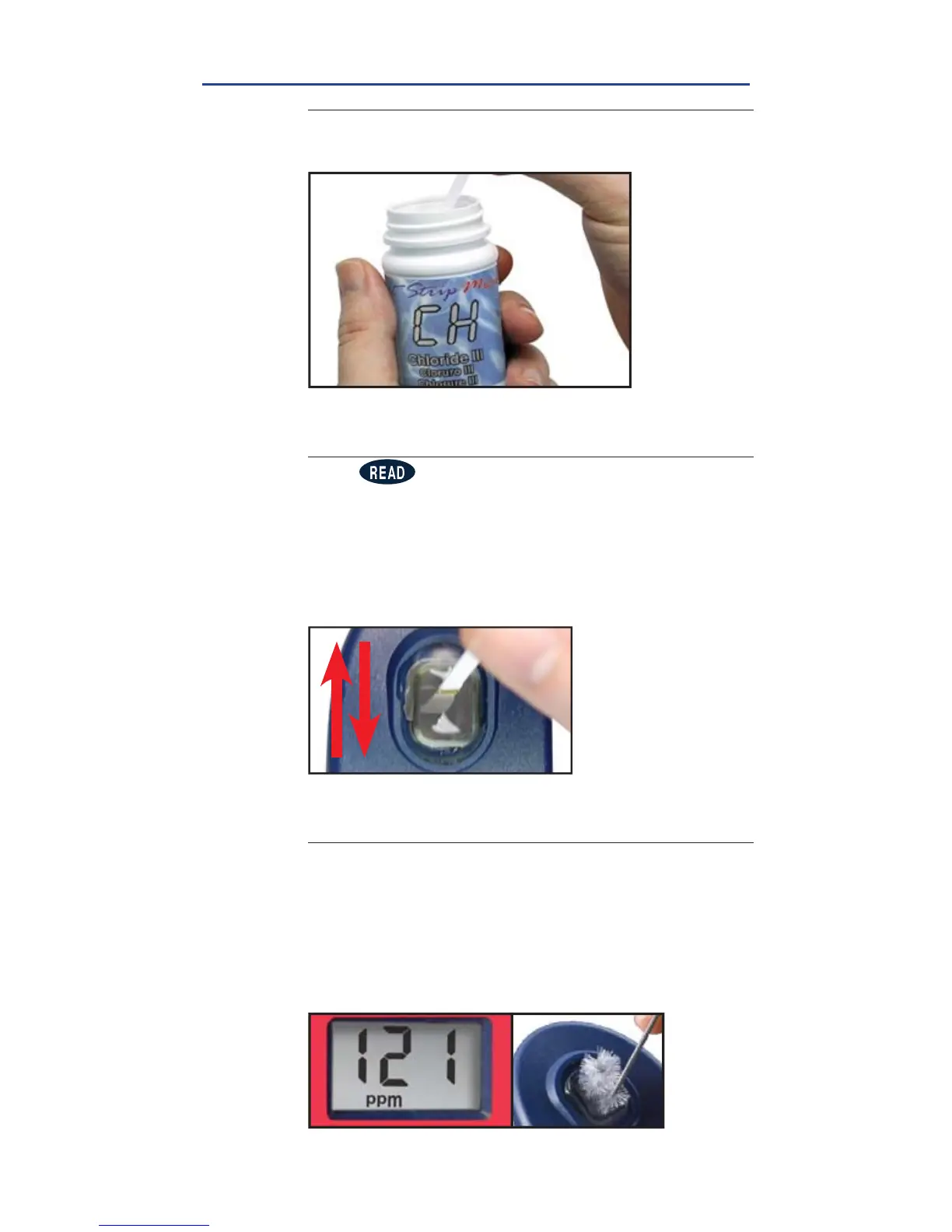
REMOVE STRIP
Remove one eXact
®
Strip Micro CH (Part No. 486757)
and set in a dry, convenient place. Replace cap.
7
DIP STRIP AND PRESS READ
Press to initiate a 20 second countdown and
simultaneously
DIP
the eXact
®
strip in the sample,
gently touching the bottom of the cell. Use a gentle
constant back and forth motion (2 strokes per
second) until the timer displays
“1”
. Be careful to not
spill the sample from the CELL. Remove and discard
the strip.
See pg 23 for important tips.
8
CAP CELL AND READ RESULTS
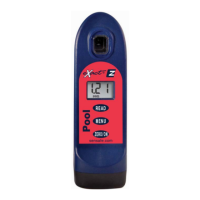
Place the Cell Cover onto the CELL and READ result
displayed as Chloride. Due to the limit of three digits
on the Pool eXact
®
EZ photometer, you should add a
“0” to the end of the result on the LCD (ex. 121 = 1210
ppm). This result is automatically stored in the CHH
menu. After testing is complete, rinse the sample cell
immediately and clean with brush.
CHLORIDE (Salt)
FILL, DIP, READ


 To Next Page