EasyManua.ls Logo

eXact 486201 - User Manual

eXact 486201
28 pages
Print Icon
To Next Page IconTo Next Page
Loading...
1
exactmeters.com
QUICK START GUIDE
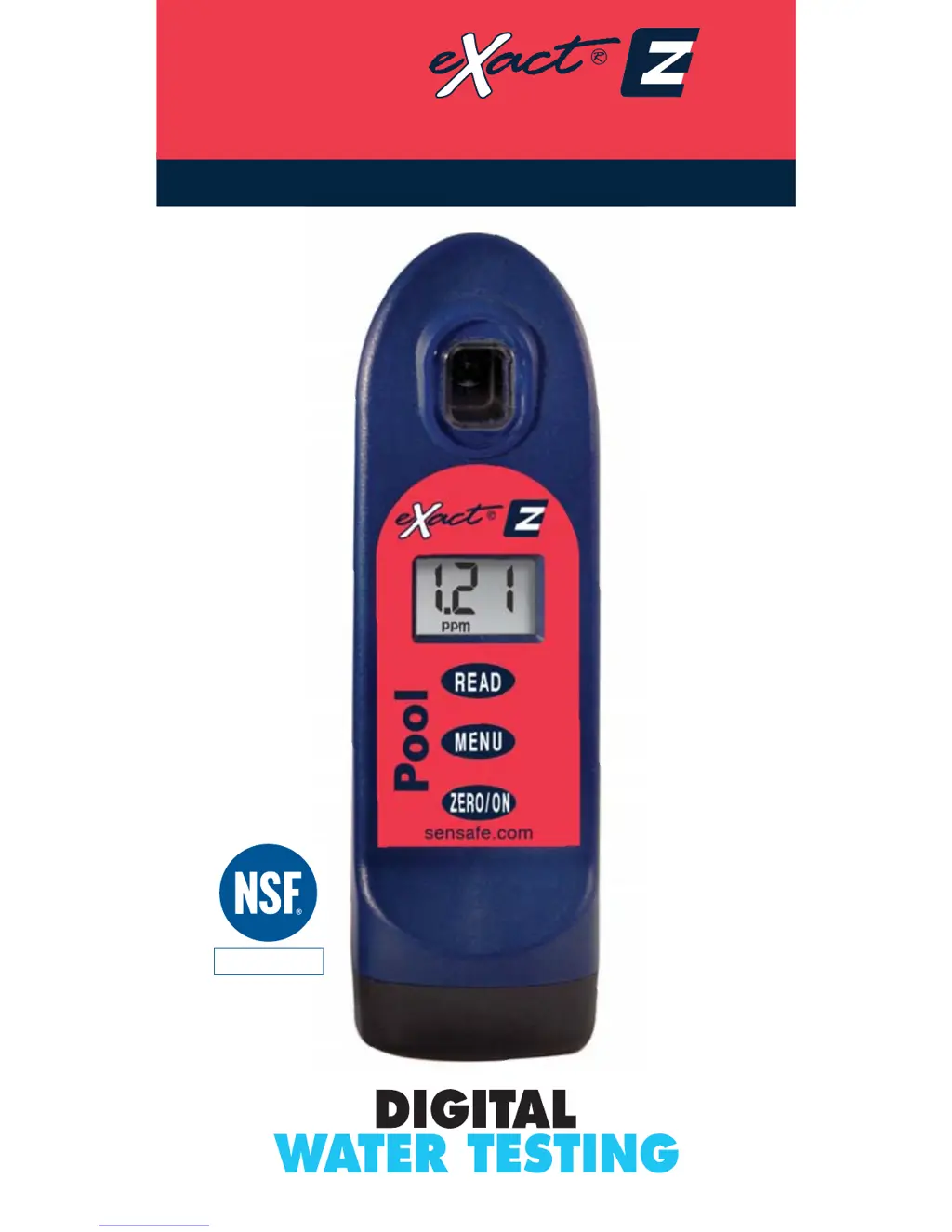
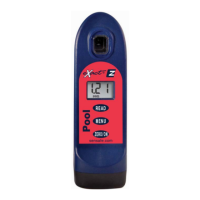
Pool
ADVANCED PHOTOMETER SYSTEM
DIGITAL ACCURACY FOR BETTER POOL CARE
Certified to
NSF/ANSI Standard 50

Questions and Answers

  • K
    Kristine BishopJul 27, 2025
    What to do if eXact 486201 shows “HI” on LCD while reading?
    • C
      Crystal SolisJul 27, 2025
      If the eXact Measuring Instruments displays “HI” on the LCD while reading, it means the result is above the detection level. To address this, re-run the test to verify the result.
  • C
    Cathy RiveraAug 1, 2025
    How to fix dim screen or no response from eXact Measuring Instruments?
    • T
      Tyler ReynoldsAug 1, 2025
      If the eXact Measuring Instruments displays a dim screen or doesn't respond, it's likely due to a low battery. The solution is to replace the batteries.
  • W
    Wanda FinleyAug 6, 2025
    What to do if eXact 486201 shows “LO” on LCD while reading?
    • R
      rhonda19Aug 6, 2025
      If the eXact Measuring Instruments shows “LO” on the LCD while reading, it indicates that the result is below the detection level. You should re-run the test to verify the result.
  • C
    Christina PhillipsAug 11, 2025
    What to do if eXact Measuring Instruments shows "HI" flashes on LCD, then "Err"?
    • M
      Mary JonesAug 11, 2025
      If the eXact Measuring Instruments displays “HI” flashing on the LCD, followed by “Err”, it could be due to the Combined Chlorine result being above the detection limit. Try diluting and re-running the test, or simply re-run the test to verify the result.
  • D
    Daniel DavisAug 16, 2025
    What to do if eXact 486201 Measuring Instruments shows “LO” flashes on LCD, then "Err"?
    • K
      Kathryn SandovalAug 16, 2025
      If the eXact Measuring Instruments displays “LO” flashing on the LCD, followed by “Err”, it indicates an improper test procedure for Combined Chlorine. Carefully re-read the test procedure and follow the directions.
  • A
    Amanda MasonAug 21, 2025
    Why does eXact Measuring Instruments show “LO” on LCD while zeroing?
    • M
      Melissa BarrettAug 21, 2025
      If the eXact Measuring Instruments shows “LO” on the LCD while zeroing, the possible causes are a low battery (replace batteries), a dirty cell (clean the cell), or a cloudy sample (dilute the sample or use a filter). If none of these actions solve the problem, it may be due to a bad LED, in which case you should contact ITS.

Summary

Pool eXact EZ Overview

Key Components and Features

Describes the sample cell, display, buttons, base, and cell cover.

Battery Installation Guide

Step-by-step instructions for installing AAA batteries.

Total Alkalinity Test

Initial Setup and Zeroing

Powering on, filling the cell, selecting the test, and zeroing the meter.

Measurement and Result Reading

Using the strip, dipping, reading results, and important tips.

Calcium Hardness Test

Initial Setup and Zeroing

Powering on, filling the cell, selecting the test, and zeroing the meter.

Measurement and Result Reading

Using the strip, dipping, reading results, and important tips.

Chloride (Salt) Test

Sample Preparation and Setup

Preparing the sample, powering on, filling cell, selecting test, and zeroing.

Measurement and Result Interpretation

Using the strip, dipping, reading results, and interpreting for salt concentration.

Free Chlorine and Total Bromine Test

Initial Setup and Zeroing

Powering on, filling the cell, selecting the test, and zeroing the meter.

Measurement and Result Calculation

Using the strip, dipping, reading results, and calculating Total Bromine.

Combined Chlorine Test

Zeroing and Strip Measurement

Re-zeroing, using the DPD-3 strip, and dipping.

Result Reading and Interferences

Reading results, understanding interferences, and total chlorine calculation.

Copper Test

Initial Setup and Zeroing

Powering on, filling the cell, selecting the test, and zeroing the meter.

Measurement and Result Reading

Using the strip, dipping, and reading the copper result.

Cyanuric Acid Test

Initial Setup and Zeroing

Powering on, filling the cell, selecting the test, and zeroing the meter.

Reagent Addition and Measurement

Adding drops, mixing, and reading the Cyanuric Acid result.

pH Test

Initial Setup and Zeroing

Powering on, filling the cell, selecting the test, and zeroing the meter.

Measurement and Result Reading

Using the strip, dipping, and reading the pH result.

Phosphate Test

Initial Setup and Zeroing

Powering on, filling the cell, selecting the test, and zeroing the meter.

Measurement and Result Reading

Using the strip, dipping, reading results, and cell cleaning.

Acrylic Calibration Key Usage

Calibration Key Procedure

Inserting the key, pressing read, and recording the result.

Best Accuracy Practices

Meter Operation and Data Management

Auto-shutoff, result storage, and retrieval.

Testing and Handling Recommendations

Rinsing, filling, strip selection, and general handling tips.

Maintenance and Storage Advice

Cell cleaning, battery installation, and storage conditions.

Troubleshooting and Technical Support

Common Issues and Solutions

Table of troubleshooting scenarios and fixes.

Accuracy, Warranty, and Support

Information on accuracy, warranty, and how to get technical help.

Pool eXact EZ Product Information

Sample Cell and Warranty

Details on the sample cell and the 2-year warranty policy.

Method Verification Tools

Explanation of Ready Snap® for calibration verification.

Compliance and Accessories

Regulatory Compliance

Information on USEPA acceptance for chlorine testing.

Carrying Case Options

Description of the available carrying cases for the meter and reagents.

Aquatic Health Code and NSF;ANSI 50 Certification

Model Aquatic Health Code (MAHC)

Overview of MAHC guidelines for pool water quality.

NSF;ANSI 50 for Testing Devices

Requirements and accuracy ratings for water quality testing devices.

eXact Micro Tests and Reagents

Test Specifications and Part Numbers

Detailed table of tests, part numbers, ranges, and accuracy.

Patent and Contact Information

Details on patents, trademarks, and company contact information.

eXact 486201 Specifications

General IconGeneral
BrandeXact
Model486201
CategoryMeasuring Instruments
LanguageEnglish

Related product manuals