18
©2018, Industrial Test Systems, Inc. Printed in USA
PH
In bright light situations use cell cover for zeroing and reading.
FILL, DIP, READ
1
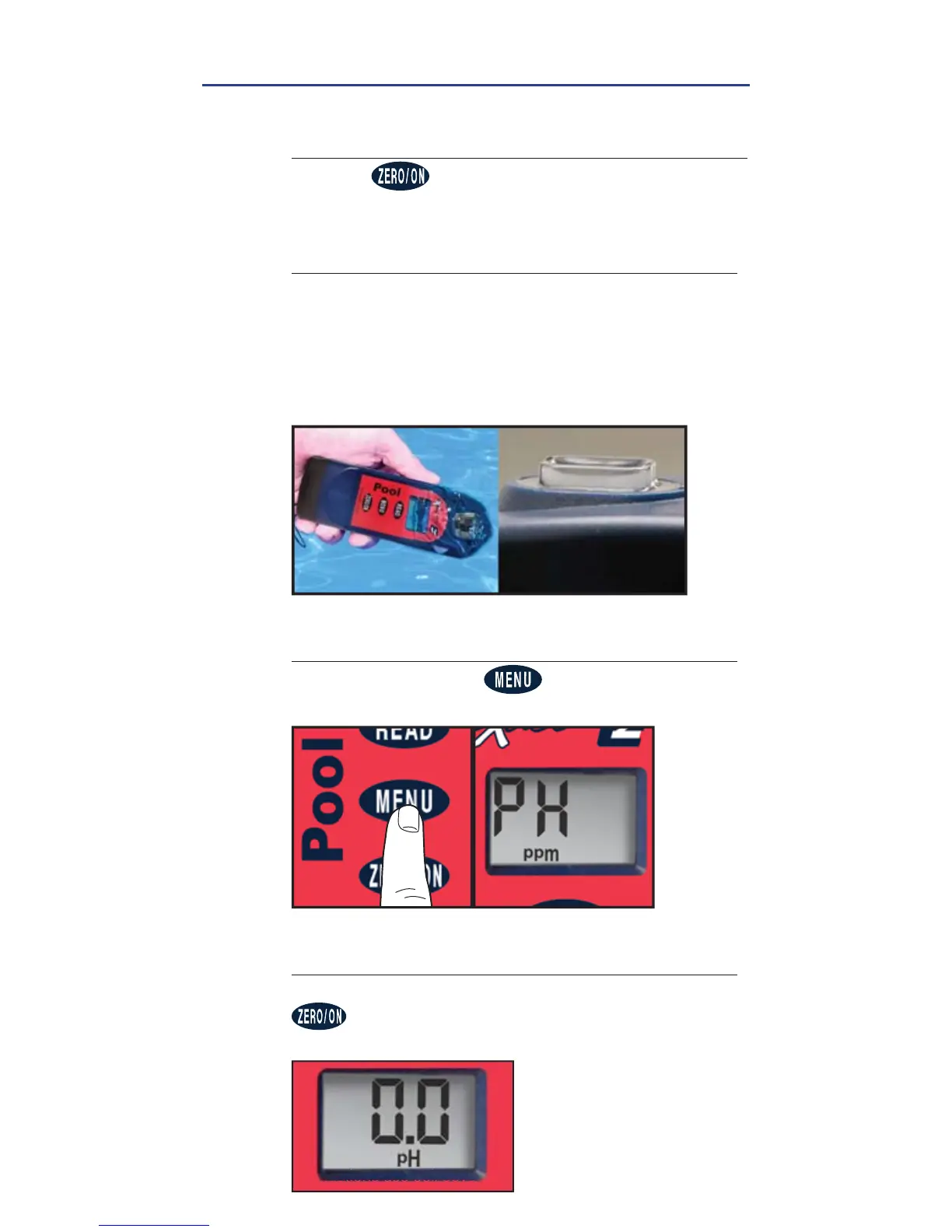
POWER ON PHOTOMETER
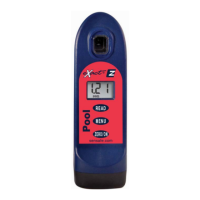
Press the button to power on the Pool eXact
®
EZ.
2
FILL CELL
Before testing, rinse CELL and clean with brush
thoroughly. Finally rinse the cell 3 times with
the water sample to be tested, then FILL cell to
capacity to begin test.
NOTE: For accuracte results, water sample must have
a minimum Total Alkalinity of 20 ppm.
3
SELECT TEST
Press and re-press the button until the display
shows PH(2).
4
CAP CELL AND ZERO METER
Place the Cell Cover onto the CELL and press
and the photometer display reads 0.0
pH
,
indicating the meter is ready for testing.


 To Next Page