7
exactmeters.com
5
REMOVE STRIP
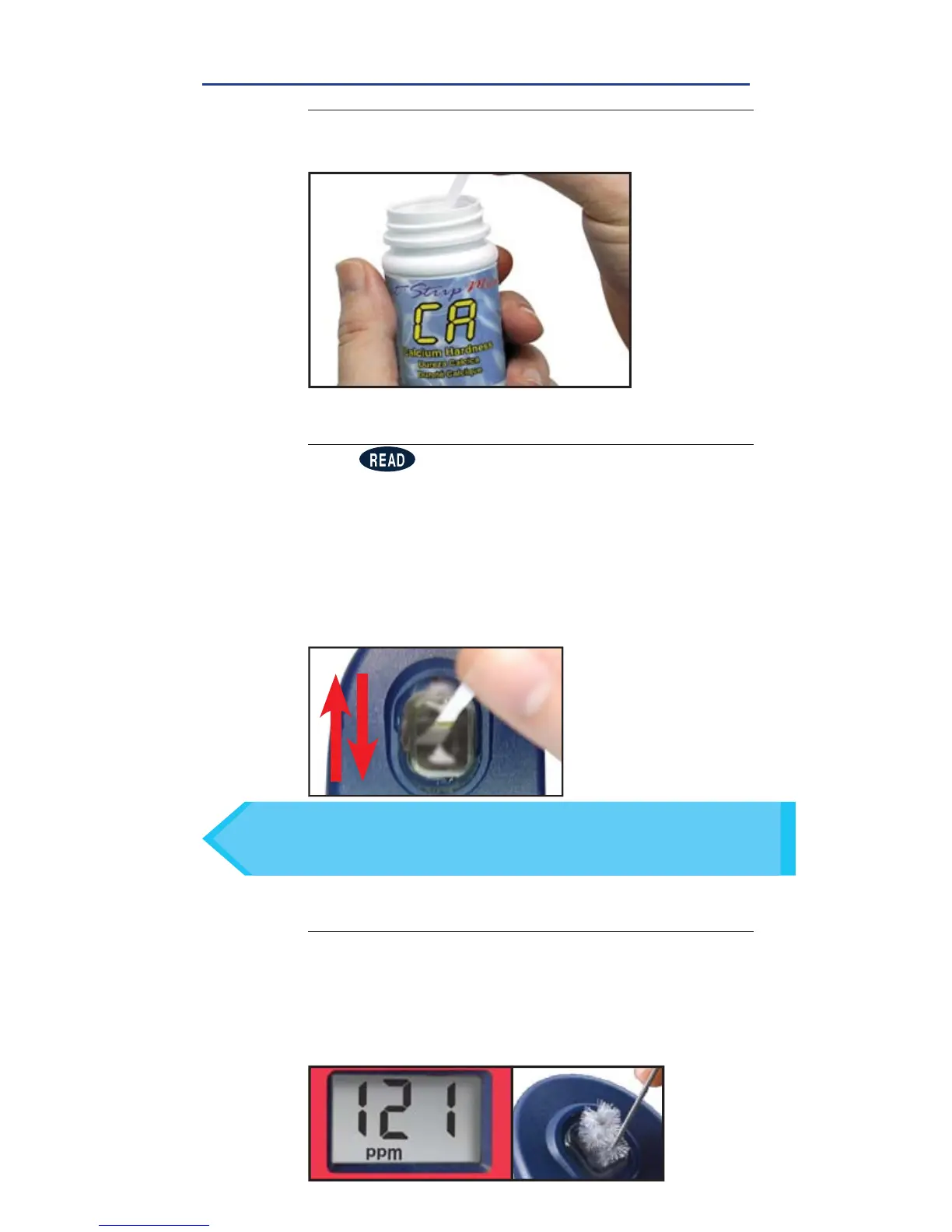
Remove one eXact
®
Strip Micro CA (Part No. 486629)
and set in a dry, convenient place. Replace cap.
6
DIP STRIP AND PRESS READ
Press to initiate a 20 second countdown and
simultaneously
DIP
the eXact
®
strip in the sample,
gently touching the bottom of the cell.
Even if all
pads are not immersed in water, do not bend
the strip
.
Use a gentle constant back and forth
motion (2 strokes per second) until the timer displays
“1”.
Be careful to not spill the sample from the CELL.
Remove and discard the strip. See pg 23 for important tips.
TIP
For water temperatures above 95°F/35°C (hot tubs), Press READ
when the timer displays “10”, or use the specially calibrated SPA
eXact
®
EZ photometer.
7
CAP CELL AND READ RESULTS
Place the Cell Cover onto the CELL and READ result
displayed as Calcium Hardness (CaCO
3
). This result
is automatically stored in the CA(5) menu. After
testing is complete, rinse the sample cell immediately
and clean with brush.
CALCIUM HARDNESS
FILL, DIP, READ

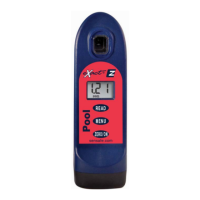

 To Next Page