12
eXact iDip
®
app for eXact
®
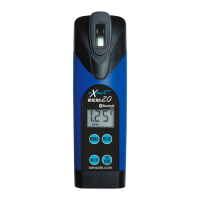
Micro 20 with Bluetooth
®
The benefi ts of purchasing an eXact Micro 20 with Bluetooth
®
are the ability
to connect your photometer to a smartphone or tablet and use our specially
designed app to easily save, send, and share your test results. First, select your
test using the menu selections on your Micro 20 then run the test and the results
will simultaniously display on the app and on your Micro
20 with Bluetooth
®
. From the app, you can save, send,
and share the results directly linked to your customers information and GPS
location to include date/time stamp. The eXact iDip
®
app is available for use
on both Apple and Android devices. The app is compatable with Bluetooth
4.0 devices (Android 4.4 and up and Apple iOS 7.0 and up) For a full list of
compatible devices please visit sensafe.com/compatible–devices/.
GET IT ON
When using your eXact
®
Micro 20 with Bluetooth
®
and the eXact iDip
®
app, you
will need to complete the following steps after you have rinsed and fi lled your
cell with the water sample and prior to zeroing your meter and dipping your strip.
Please note that batch uploading tests saved on your eXact Micro 20 to a smartphone/tablet is not yet available.
If you want to save a test result from your Micro 20 to the app, you will need to run the test while connected to the app
or enter the result manually.
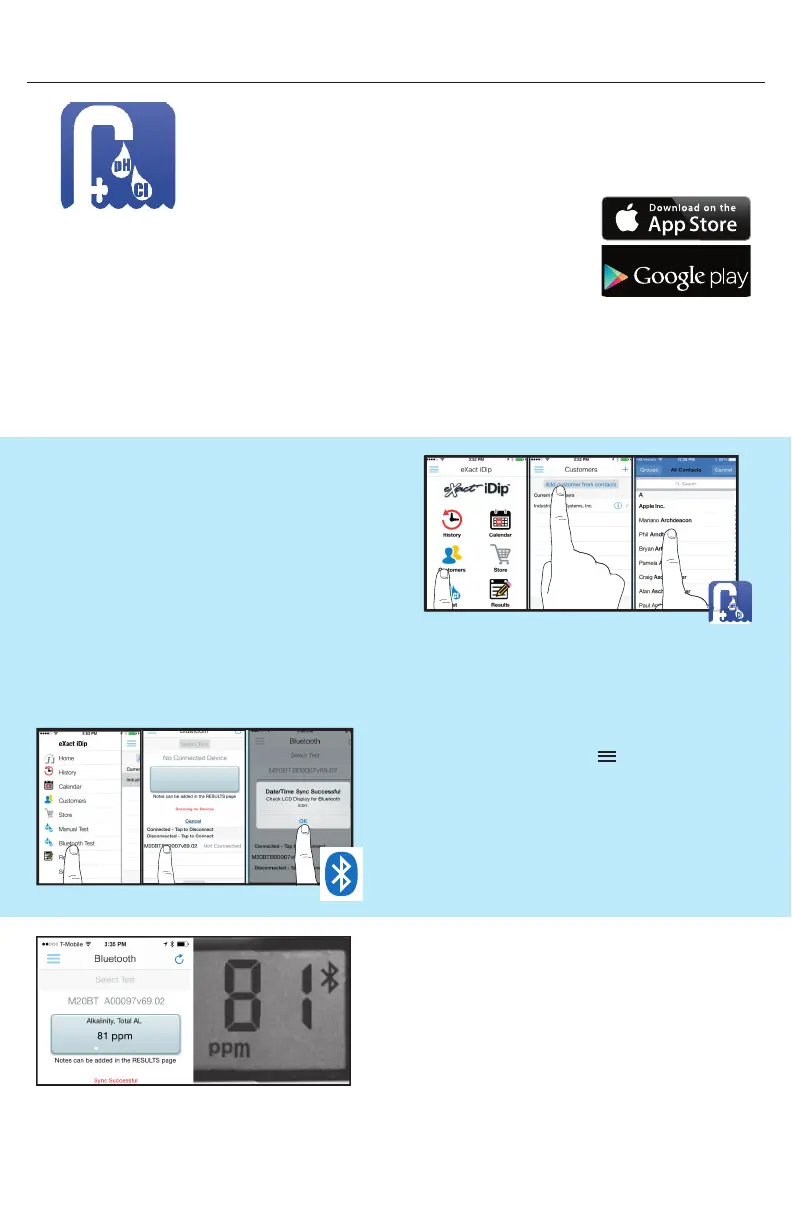
READ RESULTS
Results will display simultaneously on the
Micro 20 photometer and app.
HOW TO SELECT A CUSTOMER
From your smartphone/tablet, launch the eXact iDip
®
app. Select ‘Customers’ from the home screen. From
the Customers list ‘Add customer from contacts’ or
create a new contact by selecting the ‘+’ in the upper
right hand corner.
HOW TO CONNECT VIA BLUETOOTH
Tap the menu slide out screen ‘ ’ and select
‘Bluetooth Test’. Select your eXact
®
Micro 20 from
the list located at the bottom of the screen. Verify it
has connected and tap ‘OK’.
The serial number is located on the back of your device, this
will display in the app. Refer to the serial number
to ensure you are connected to the correct device.
Please Note: When you select a new customer, this customer will not appear in the list until you have run and saved
a test using the app and your eXact
®
Micro 20 with Bluetooth
®
photometer.


 To Next Page