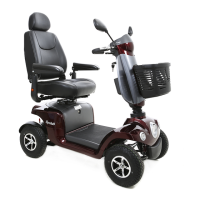
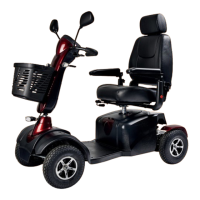
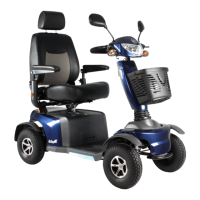
The Excel Galaxy II tiller can be adjusted in angle very easily. By adjusting the tiller to the desired
angle, your riding comfort will be increased. You can adjust the tiller angle by following the steps
below;
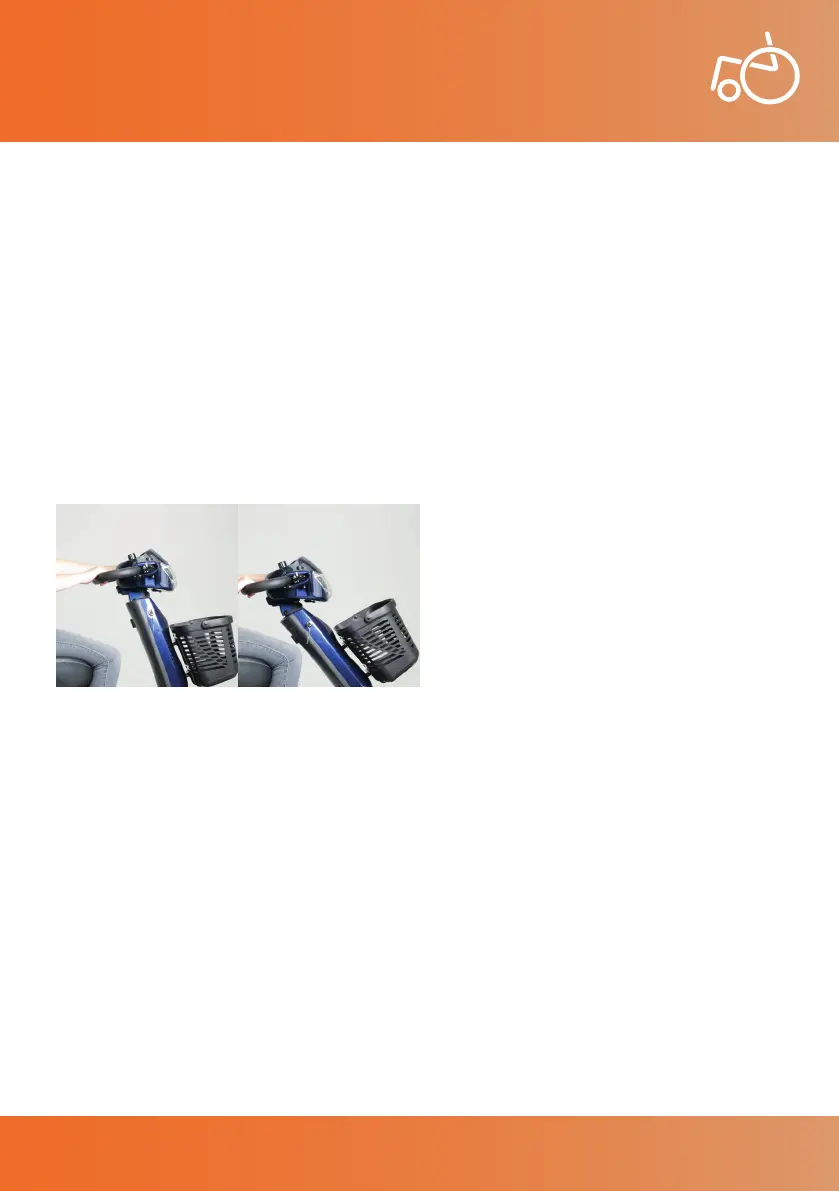
• Photo 2 shows the tiller in a upright position.
• On the tiller you will nd a black lever on the left located underneath the left wing mirror (see
photo 1). By squeezing this lever, you can pull the tiller either towards yourself or away from
yourself to adjust the tiller angle (see photo 3).
• Once the desired position has been achieved, release the lever to set the adjustment.
• To put the tiller back into its most upright position, squeeze the lever and push the tiller
forwards away from yourself and release the lever to set this adjustment. You should always
put the tiller back in the upright position before getting off the scooter (see photo 2).
6.2 Tiller
User Manual | Excel Galaxy II
Photo 2 Upright tiller position Photo 3 Angled tiller position
14
© 2019 Excel, part of Van Os Medical Ltd. | Excel House | Ashbrooke Park | Lincoln Way | Sherburn-in-Elmet | North Yorkshire | LS25 6PJ
T: +44 (0) 1977 681 400 | E: sales@vanosmedical.com | W: www.vanosmedical.co.uk
User Manual | Excel Galaxy II


 To Next Page